AI Thumbnail Generator
Create Thumbnails That Get Clicked
An AI thumbnail generator creates a thumbnail design from a short description of your content, audience, and visual style. Ambience AI generates a ready-to-download concept without requiring design software.
- Thumbnails generated in seconds
- Commercial use included
- Free to try: no credit card required
What is an AI thumbnail generator?
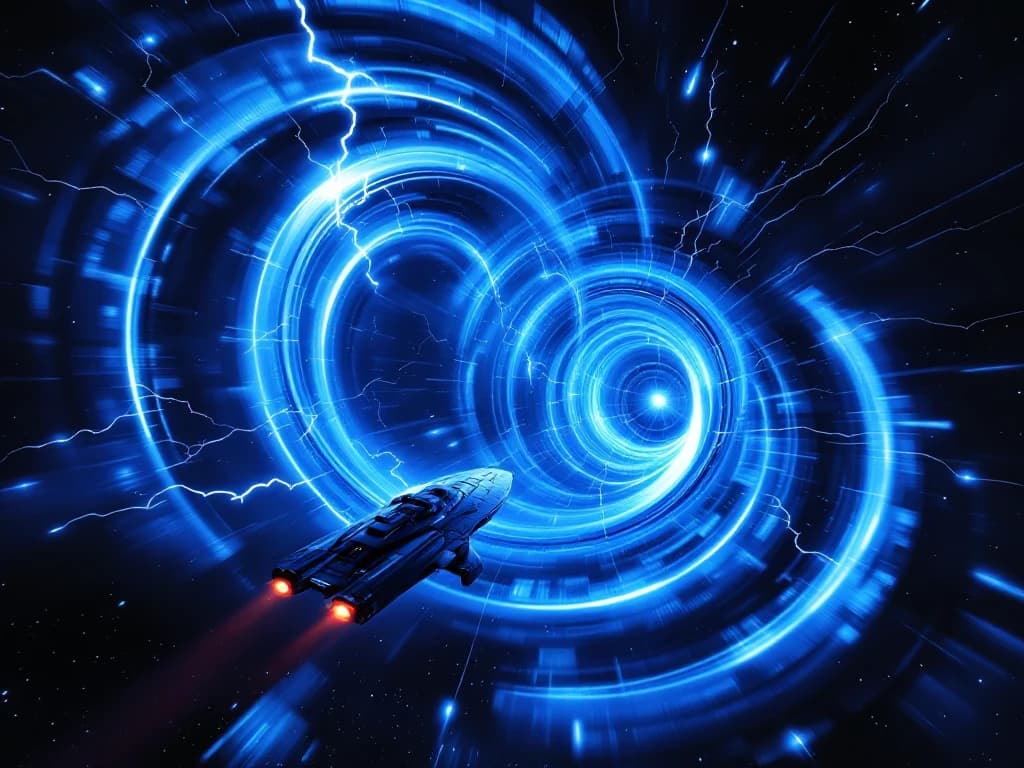
An AI thumbnail generator creates a visual preview for a video, article, or social post from a short description of the content and intended style. Ambience AI helps creators generate thumbnail concepts without starting from a blank canvas or using complex design software. Need a YouTube-ready layout? Use the AI YouTube thumbnail generator.
How to make a thumbnail with AI
- Describe the content and audience.
- Specify the focal subject, style, colors, and text treatment.
- Choose a supported size.
- Generate several concepts.
- Refine and download the strongest option.
Want more control over the base visual? Use the generate a custom source image workflow, or create the video for your thumbnail.
AI Thumbnail Tools to Boost Clicks and Engagement
Our AI thumbnail generator combines advanced technology with an intuitive interface to help you create thumbnails that drive clicks and engagement.
Video Thumbnails
Create eye-catching YouTube thumbnails that boost your click-through rates and help your videos stand out.
AI-Generated Designs
Let our AI create professional thumbnail designs based on your content topic - no design skills needed.
Blog Thumbnails
Generate compelling featured images for your blog posts and articles that capture reader attention.
YouTube Dimensions
Thumbnails optimized for YouTube's recommended 1280x720 size for the perfect display on all devices.
Simple Creation Process
Just describe your content, and our AI generates thumbnail options for you to choose from in seconds.
Text Elements
Add attention-grabbing text to your thumbnails with optimal placement and contrast for readability.
Perfect for Content Creators
See how content creators are using our AI thumbnail generator to increase engagement and clicks.
YouTube Thumbnails
Create eye-catching thumbnails that stand out in search results and recommended feeds, increasing your video's click-through rate.
Blog & Article Images
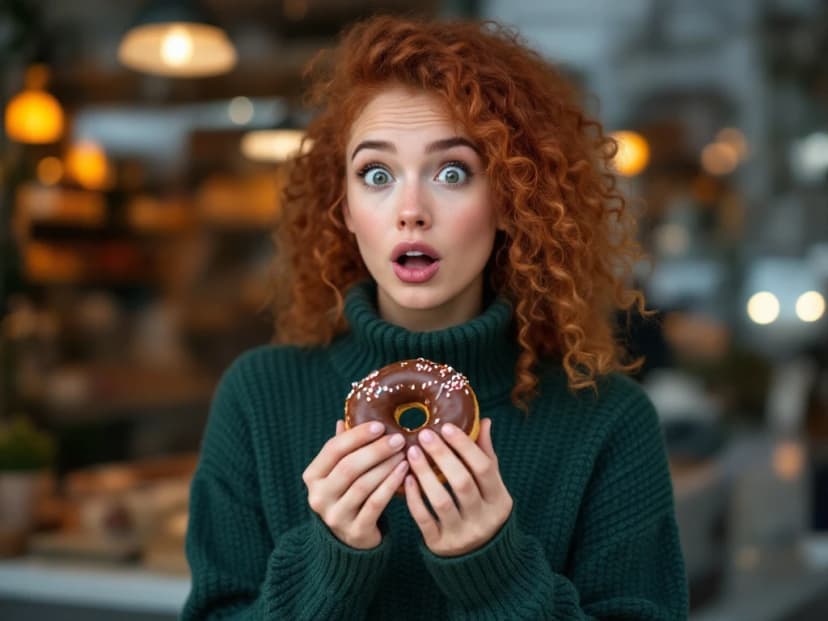
Generate featured images for your blog posts and articles that capture attention and convey your content's message.

Social Media Content
Create thumbnails for your Instagram, Facebook, and LinkedIn posts that stop users from scrolling and start engaging.

Course & Webinar Previews
Design professional thumbnails for your online courses, webinars, and educational content that attract students.

Design Thumbnails that Get Noticed in Seconds
You don't need design skills - just a few clicks to create professional thumbnails that convert.
Describe Your Content
Tell us about your video, article, or post topic - what it's about and who it's for.
Customize Your Thumbnail
Choose your style, layout, colors, and text to match your brand and platform.
Generate & Download
Our AI creates your perfect thumbnail in seconds, ready to download and use immediately.
What Creators Say About Ambience AI Thumbnails
See how creators are boosting engagement and bringing their ideas to life with our thumbnail generator.
“My YouTube channel views increased by 40% after I started creating these thumbnails. Now my ideas truly stand out and connect with my audience!”
Sandra J.
YouTube Creator
“As a blogger with no design experience, this tool has been a game-changer. I can bring my vision to life in seconds instead of struggling for hours in Photoshop.”
Michael C.
Travel Storyteller
“The thumbnail generator has transformed our content strategy. We've seen a 25% boost in engagement since we started using these visuals to tell our story.”
Emily R.
Content Artist
AI Thumbnail Generator FAQs
Everything you need to know about our AI thumbnail generator.
Describe your content, audience, and visual style, choose a size, then generate. Ambience AI produces several thumbnail concepts you can compare, refine, and download, with no design software required.
You can generate thumbnails in standard aspect ratios, including 16:9 for YouTube, 1:1 for square posts, and 9:16 for vertical formats, and download them as PNG or JPEG. For a YouTube-ready 1280x720 layout, use the YouTube thumbnail generator.
Yes. Describe the text and brand colors you want in your prompt and the AI places them in the design. You can also provide a reference image to guide the style. Direct logo uploads are not a dedicated feature yet.
Yes. You receive commercial usage rights for the thumbnails you generate, so you can use them on monetized channels and in marketing.
Yes. The AI YouTube thumbnail generator focuses on a 16:9 layout with creator-focused examples and tips for keeping text readable on mobile.
New to thumbnails? Our thumbnail design best practices guide walks through 10 rules with a good and bad example for each.