Create Product Marketing Assets with AI
Ambience AI gives product marketers one workspace for the whole launch kit. Make the hero visual, the feature graphics, the demo video, the social cutdowns, and the voiceover from the same product description, then ship them together.
- Launch visuals, demo videos, and audio in one place
- Landscape, square, and portrait for every channel
- Free to try: no credit card required
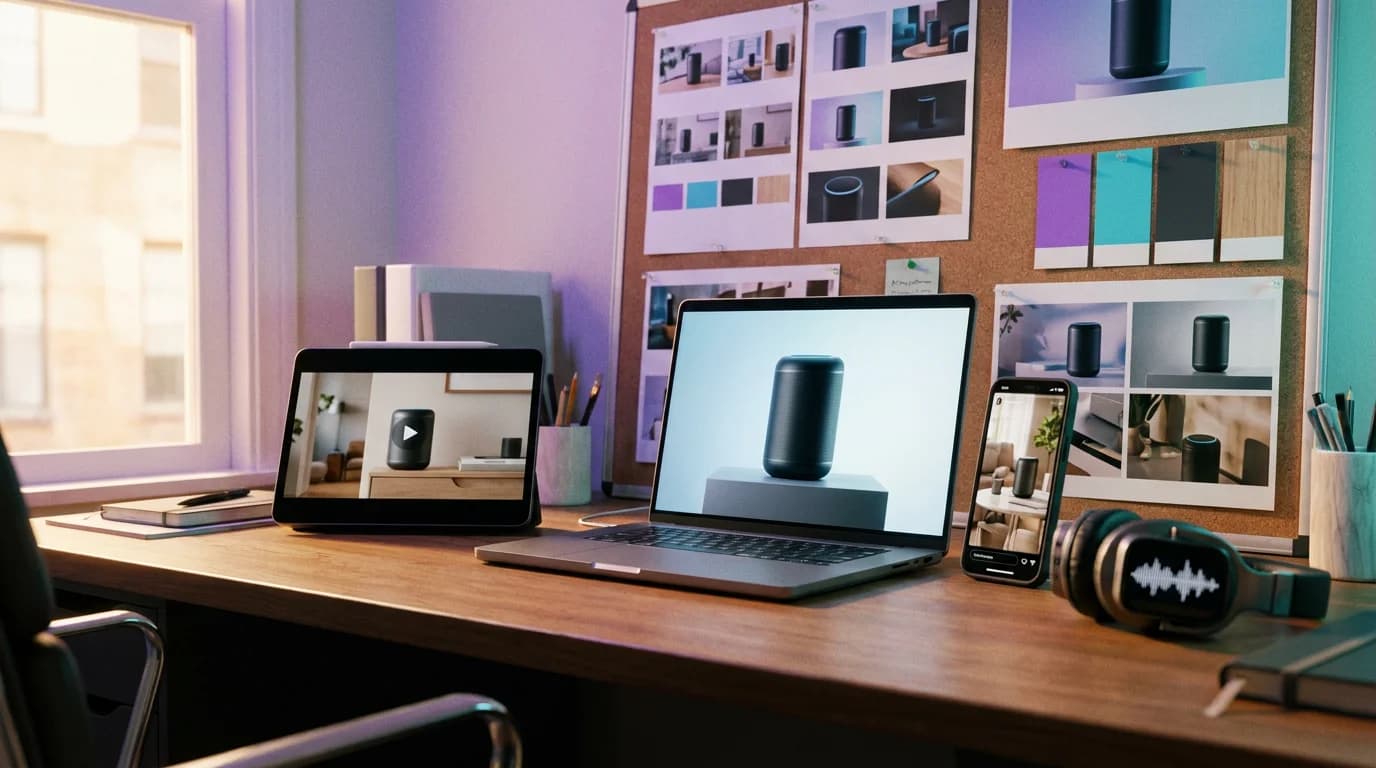
Every Asset a Launch Needs
Product marketing asks for a lot of creative on a fixed date. Ambience AI covers the visuals, video, and audio so the launch does not wait on a design or video queue.
Launch Hero Visuals
Studio product shots and in-context scenes for the launch page, the announcement email, and the press kit.
Feature Announcement Graphics
Visuals that put a new feature front and center for release posts, in-app announcements, and changelog headers.
Demo and Launch Videos
Short clips that show the product in use, for the launch page, paid social, and the first slide of a sales call.
Social Assets in Every Ratio
Landscape, square, and portrait versions of the launch creative for LinkedIn, X, Instagram, TikTok, and YouTube.
Voiceover and Music
Generate a voiceover from your script and a music bed to match, so launch and demo videos are ready to publish.
Multi-Scene Product Stories
Turn a launch narrative into a multi-scene story video with narration and music on Premium, Team, and Business plans.
Creative for Every Go-to-Market Moment
A launch is more than launch day. Make the teaser, the announcement, and the enablement assets from one workspace so the whole campaign tells the same story.
Before Launch
Teaser visuals, waitlist page imagery, and short countdown clips that build interest before the release date.
Launch Day
The hero visual, the announcement video, the social posts, and the blog header, all shipped together.
After Launch
Sales deck imagery, one-pager covers, onboarding clips, and fresh social creative to keep adoption moving.
One Product, a Full Launch Kit
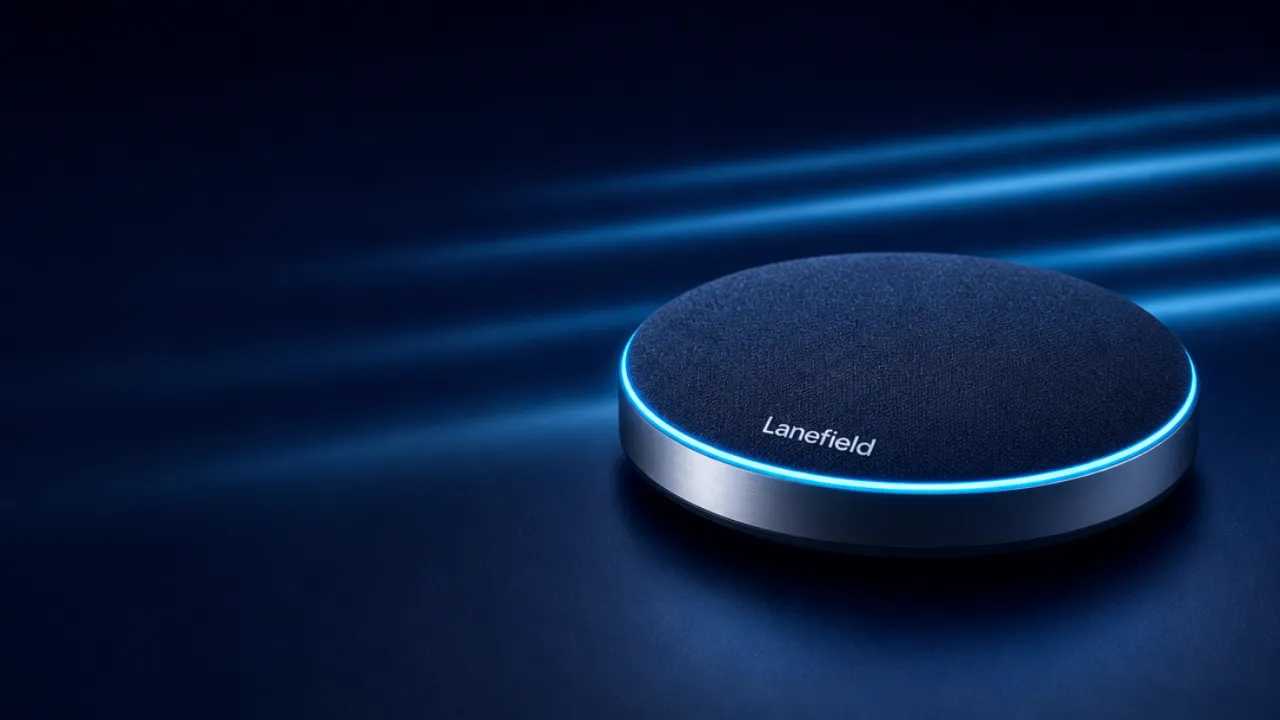
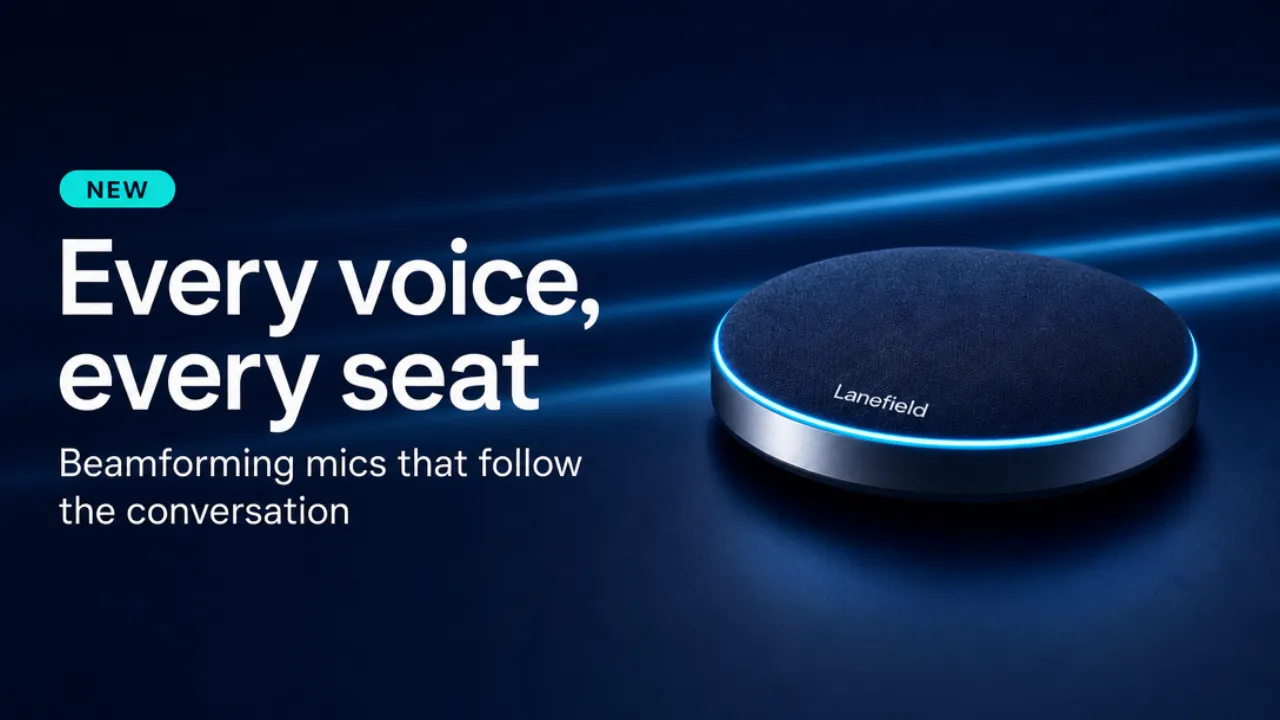
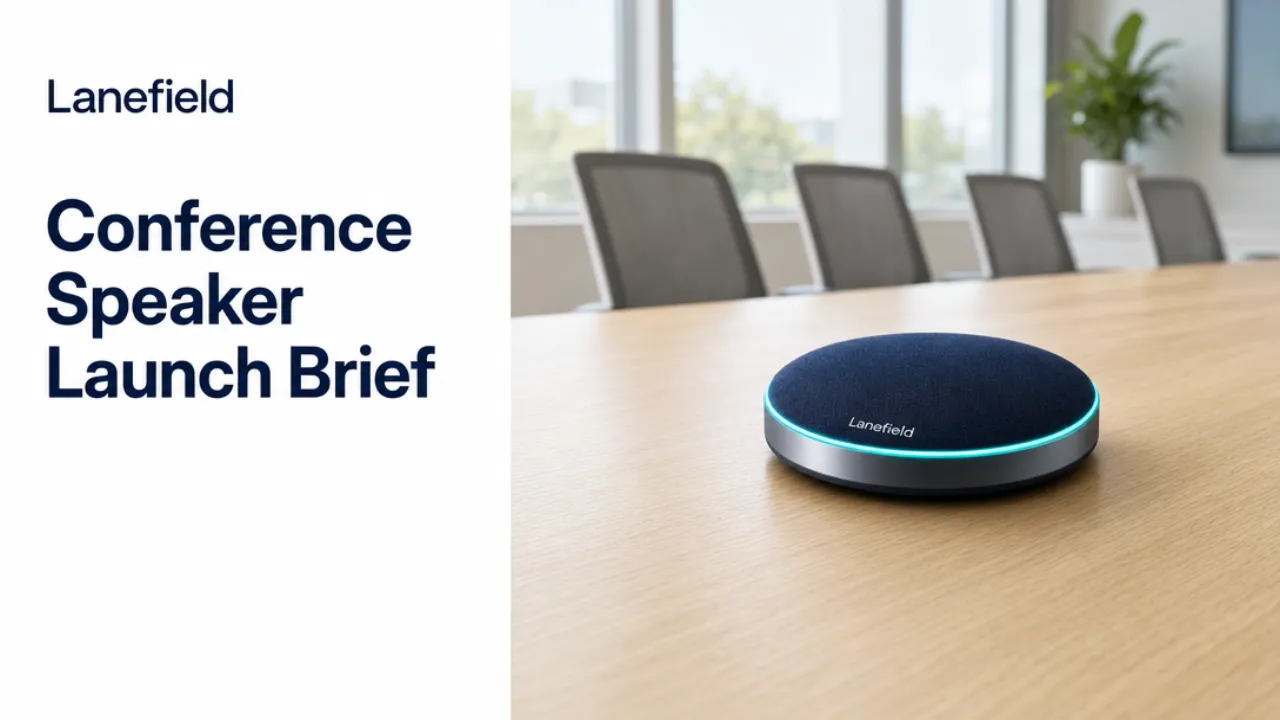
An example launch kit for Lanefield, a fictional office hardware brand, made with Ambience AI. A launch teaser video, the launch hero, a feature announcement, and a sales deck cover for one conference speakerphone.
From Product Brief to Launch Kit in Three Steps
Start from the product description you already wrote for the launch brief.
Describe the Product
Enter a prompt like "matte black smart speaker on a walnut shelf, warm morning light, launch hero shot" and pick the aspect ratio.
Generate the Kit
Make the hero visual, then the demo clip, the social versions, and the voiceover, reusing the same product description in each prompt.
Download and Ship
Download each asset and drop it into your launch page, email, ad accounts, and sales deck. Premium, Team, and Business plans include the commercial license that covers this use.
Product Marketing FAQs
What product marketers ask before building a launch kit with Ambience AI.
The creative a launch depends on: product hero visuals, feature announcement graphics, short launch and demo videos, social posts in square, landscape, and portrait ratios, voiceover and music for video, and imagery for sales decks and release notes. Image, video, and audio all come from the same workspace.
Yes. Describe the product and the moment you want to show, then generate a short launch or demo clip with the AI product demo video maker. On Premium, Team, and Business plans you can also animate a product photo you upload, add a voiceover and a music bed, and build a multi-scene story video with the AI story video maker.
Generate each asset in the aspect ratio its channel needs: landscape for the website and YouTube, square for feeds, and portrait for Stories, Reels, and TikTok. Keep the same product description and visual direction in each prompt so the set reads as one campaign.
No. Ambience AI makes the creative: images, videos, and audio. Your positioning, messaging, and launch calendar stay in the tools your team already uses, and the assets you make here drop into them.
Yes. Premium, Team, and Business plans include a commercial license, so the visuals, videos, and audio you generate can run in ads, on product pages, and in sales materials.
Start free with 100 credits and no credit card required. Paid plans start at $15 per month. The Team and Business plans add shared seats, shared credits, and shared project workspaces for marketing teams producing launch assets together. See the pricing page for current tiers.