How to Make Ambience Videos Using AI
Last Updated
Feb 13, 2026
Introduction to Creating Ambient Videos
Ambient videos combine subtle movement with calming atmospheres to create captivating visual experiences. Whether you're creating cozy fireplace scenes, peaceful nature views, or moody urban landscapes, AI makes it accessible to bring your vision to life.
This guide will teach you how to create ambient videos using AI-powered generation. You'll learn the two-step workflow that gives you control over composition, lighting, and mood before adding motion. You can apply these techniques directly with Ambience AI's video generator and image generator.
Whether you're new to AI video generation or looking to refine your skills, this guide provides the techniques you need to create atmospheric videos that captivate viewers.
The Two-Step Creation Workflow
The most effective way to create ambient videos with AI is a two-step process:
Step 1: Create the Base Image
- Use text-to-image AI to generate a detailed scene
- Refine composition, lighting, and mood
- Ensure 16:9 aspect ratio for video format
- Perfect the static scene before animating
Step 2: Animate the Image
- Use image-to-video AI with your refined image
- Add specific motion instructions in your prompt
- Focus on subtle, calming movements
- Keep the camera locked in place for stability
Why This Works
Starting with a static image gives you full control over composition, lighting, and details before adding motion. It's easier to perfect a still image than regenerate videos repeatedly. With Ambience AI, you can seamlessly move between image and video generation.
Essential Elements of Ambient Videos
What Makes a Great Ambient Video?
Successful ambient videos share these key elements:
- Subtle movement - Gentle, calming motion that doesn't distract
- Static camera - Locked frame with no pans, zooms, or shakes
- Rich detail - Visually interesting environments
- Cohesive lighting - Consistent mood and color temperature
- Peaceful atmosphere - Relaxing, meditative feeling
What Should Move in Your Scene?
- Fire/flames - Flickering, dancing, gentle glow
- Weather - Rain falling, snow drifting, fog rolling
- Nature - Leaves rustling, water rippling, grass swaying
- Light effects - Shadows moving, reflections shifting
- Subtle elements - Steam rising, curtains swaying, particles floating
Image Prompting Techniques
How to Write an Image Prompt
A good image prompt includes these essential elements:
- Main subject - What the scene is about
- Setting details - Where it takes place and key objects
- Mood and atmosphere - The overall feeling you want
- Lighting - Type and quality of light
- Time and weather - Time of day and conditions
- 16:9 - Aspect ratio for video format
See It in Action
Cozy Interior:
"Cozy cabin interior with stone fireplace, large window overlooking snowy forest, warm orange lighting, evening time, peaceful atmosphere, 16:9"
Urban Scene:
"Rainy cyberpunk city street, neon signs reflecting on wet pavement, moody blue and purple lighting, nighttime, atmospheric fog, 16:9"
Study Space:
"Minimalist study desk by window, soft natural lighting, plants on windowsill, morning light, calm and focused atmosphere, 16:9"
Tips for Better Prompts
Use Positive Phrasing
AI models respond better to positive instructions (what you want) rather than negative instructions (what you don't want).
- Say "static camera" to specify what you want, not "no camera movement" to describe what to avoid
- Describe desired qualities like "gentle flame flickering" rather than unwanted ones like "fire not too bright"
- Frame positively with "soft even lighting" instead of negatively with "no harsh shadows"
Be Specific, Not Generic
- Add sensory detail: "warm golden lighting from fireplace" instead of "nice lighting"
- Specify the action: "flames flickering softly in fireplace" instead of "some movement"
- Paint the atmosphere: "cozy, inviting, peaceful atmosphere" instead of "looks good"
Layer Your Descriptions
Include three levels of detail:
- What it is - Physical elements
- How it looks - Lighting, colors, style
- How it feels - Mood, atmosphere, emotion
Animation Prompting Techniques
How to Write an Animation Prompt
A good animation prompt includes these key parts:
- Subtle movement description - What motion you want to see
- Camera stability instruction - "static camera" or "locked off shot"
- Atmospheric effects - The mood and feeling of the scene
Always Specify Static Camera
Always include "static camera" or "locked off shot" to keep the camera stable and prevent unwanted pans, zooms, or shakes.
Animation Prompt Examples
Fireplace Scene:
"Gentle flame flickering in fireplace, soft shadows dancing on walls, static camera, peaceful atmosphere"
Rain Outside Window:
"Rain falling outside window, subtle reflections on glass, locked off shot, calm mood"
Candlelit Room:
"Soft candlelight glow, gentle flame movement, shadows flickering subtly, fixed camera, cozy feeling"
Snowy Forest:
"Gentle snow falling past window, slight tree branch movement in breeze, stable frame, serene atmosphere"
Getting the Movement Right
- Keep movements subtle and natural
- Describe specific motions, not just "movement"
- Reference elements from your base image
- Emphasize mood and atmosphere
- Avoid dynamic or dramatic actions
Popular Themes and Styles
Cozy Interiors
Perfect for relaxation, sleep, or creating a warm atmosphere.
Key Elements:
- Fireplaces, candles, warm lamps
- Soft fabrics and natural materials
- Books, plants, personal items
- Golden/orange lighting
- Evening or nighttime setting
Example:
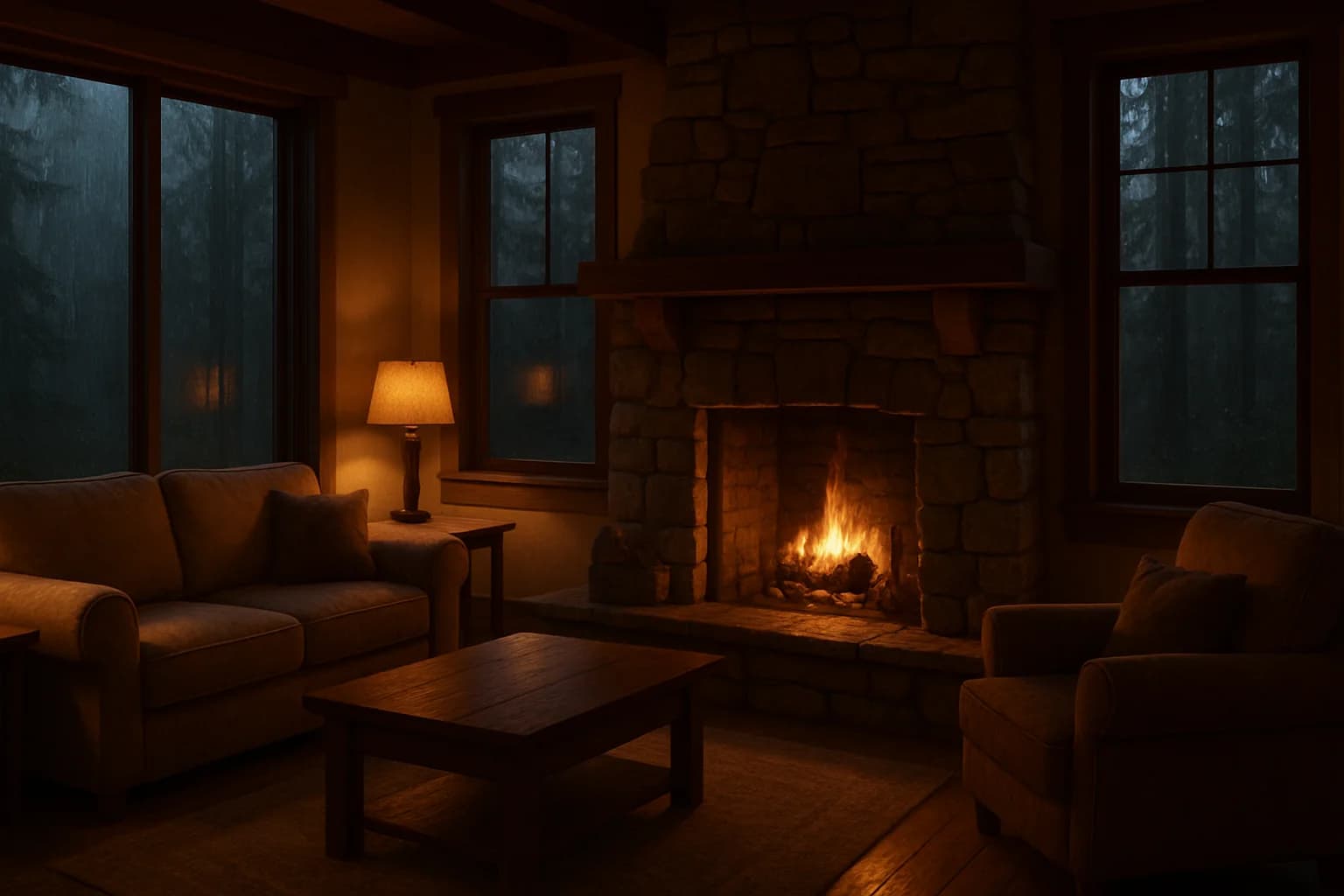
Image:
"Rustic cabin with stone fireplace, plush armchair, window showing snowy forest, warm golden lighting, evening atmosphere, cozy and inviting, 16:9"
Animation:
"Gentle fireplace flames, rain on window, soft shadows dancing, locked off shot, warm peaceful mood"
Nature Scenes
Ideal for meditation, focus, or connecting with outdoors.
Key Elements:
- Forest views, lakes, mountains
- Natural light
- Minimal human elements
- Soft natural colors
- Spacious, open feeling
Example:
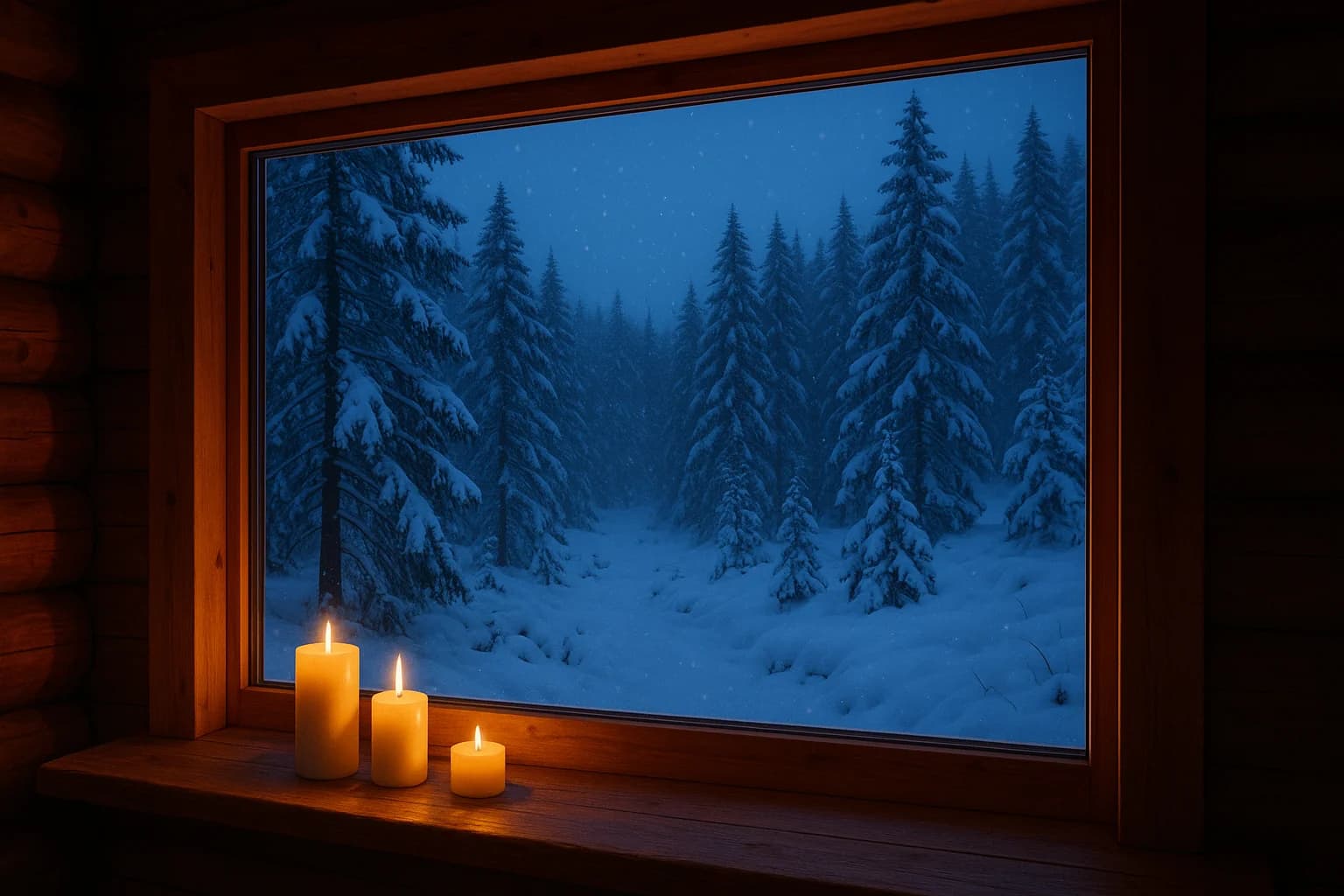
Image:
"Peaceful lake through cabin window, distant mountains, soft morning mist, gentle pastel colors, serene atmosphere, 16:9"
Animation:
"Subtle water ripples, gentle mist movement, soft light changes, camera stays in place, peaceful meditative mood"
Urban Atmospheres
Great for creative work, studying, or cyberpunk aesthetics.
Key Elements:
- Neon lighting and reflections
- Rain and wet surfaces
- Nighttime cityscapes
- High contrast
- Blue/purple/teal color palette
Example:
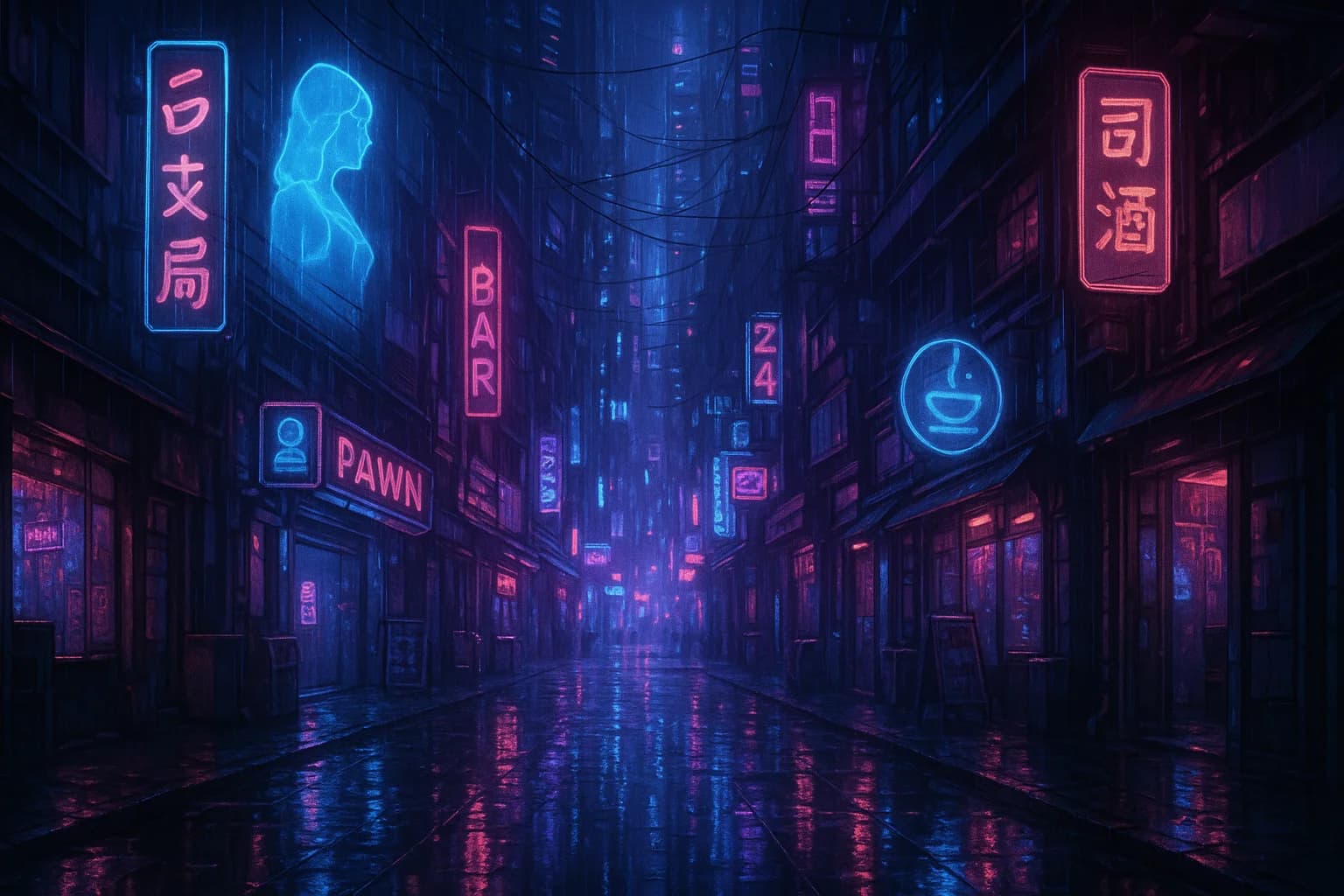
Image:
"Rainy cyberpunk alley, neon signs on wet pavement, moody blue-purple lighting, atmospheric fog, nighttime, 16:9"
Animation:
"Rain falling, neon reflections shifting on wet ground, fog drifting slowly, fixed frame, moody atmospheric tone"
Study and Focus Environments
Perfect for productivity and concentration.
Key Elements:
- Clean, organized workspace
- Natural daylight
- Minimal clutter
- Plants or natural elements
- Morning or afternoon light
Example:
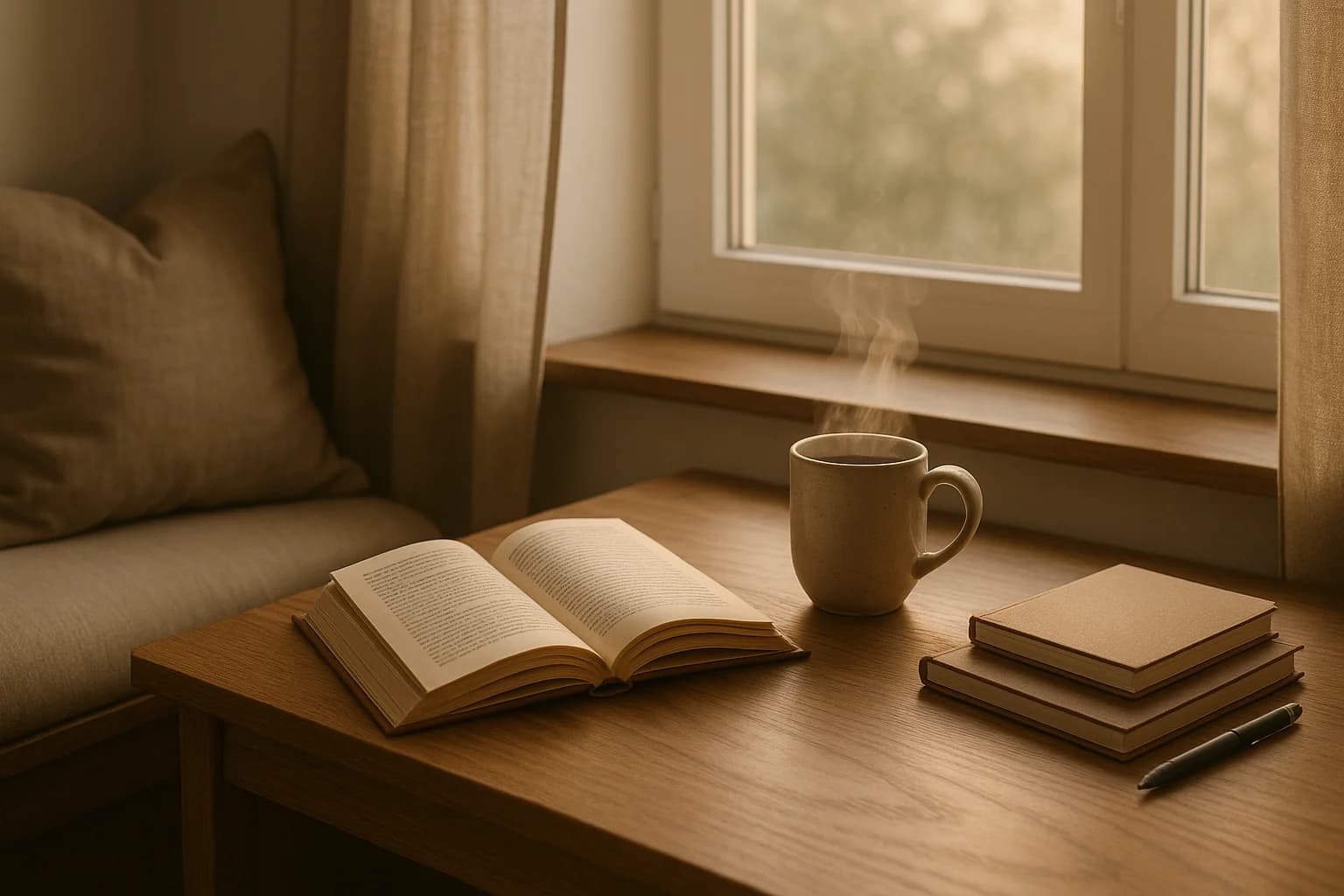
Image:
"Cozy reading nook by window, open book on wooden desk, steaming coffee mug, soft morning light filtering through, notebooks and pen, calm focused atmosphere, warm neutral tones, 16:9"
Animation:
"Steam rising from coffee mug, locked camera, peaceful productive mood"
Common Mistakes to Avoid
Watch Out for These Prompt Issues
Too Much Movement
Problem: Dynamic camera motion breaks the ambient feeling
Solution: Keep camera locked in place and focus on subtle environmental movement
Missing Movement Specification
Problem: Prompts without movement details may generate unexpected or no motion
Solution: Explicitly describe the subtle movements you want
Forgetting Camera Instruction
Problem: AI may add unwanted camera pans or zooms without direction
Solution: Always include "static camera" or "locked off shot" in animation prompts
Visual Issues
- Too busy - Overcrowded scenes lack focus
- Harsh lighting - Creates tension, not relaxation
- Too dark - Loses visual detail
- Inconsistent mood - Mixing conflicting atmospheres
- Generic compositions - Lack personality
Start Creating Ambient Videos
Your Creation Process
- Choose your theme and mood
Decide overall feeling (cozy, focused, peaceful, moody) and select subject and setting
- Craft your image prompt
Include main subject, setting, lighting, mood, and end with "16:9" for video format
- Generate and refine image
Use Ambience AI's image generator, iterate on prompt if needed, and perfect the static scene
- Craft your animation prompt
Describe specific subtle movements, specify camera stability (static camera, locked off shot), and emphasize mood
- Generate video
Use Ambience AI's video generator, apply animation prompt to refined image, and review and iterate
Remember These Essential Tips
- Start with a strong base image before animating
- Keep movements subtle for ambient content
- Always specify camera stability in your prompts
- Use positive prompts, not negative
- Focus on atmosphere over action
- Be specific and detailed
- Balance composition with depth
- Lighting sets the mood
- Iterate and refine
Ready to Create?
The best way to master ambient video creation is to start experimenting. Use Ambience AI to seamlessly move between image and video generation.
Explore more creative tools and tutorials:
- AI Video Generator - Create videos from text or images
- AI Image Generator - Generate base images
- FLUX Prompting Guide - Master AI image generation
- All Creative Tools - Complete suite
- WAN Prompting Guide - Advanced video techniques
- Seedance Prompting Guide - Video with native sound and dialogue
- MiniMax H3 Prompting Guide - 2K video with native sound
Ready to Create Atmospheric Ambient Videos?
Put your new prompting skills to use with our AI video generator. Create stunning ambient videos using the techniques you've just learned.