Create Social Content Across Image, Video, and Audio
A social calendar asks for something new every day, in a different shape for every platform. Ambience AI gives social media teams one workspace to create post images, short-form video, thumbnails, and audio, so the calendar never waits on a production queue.
- Images, video, and audio in one workspace
- Square, portrait, and landscape sizes for every platform
- Free to try with no credit card required
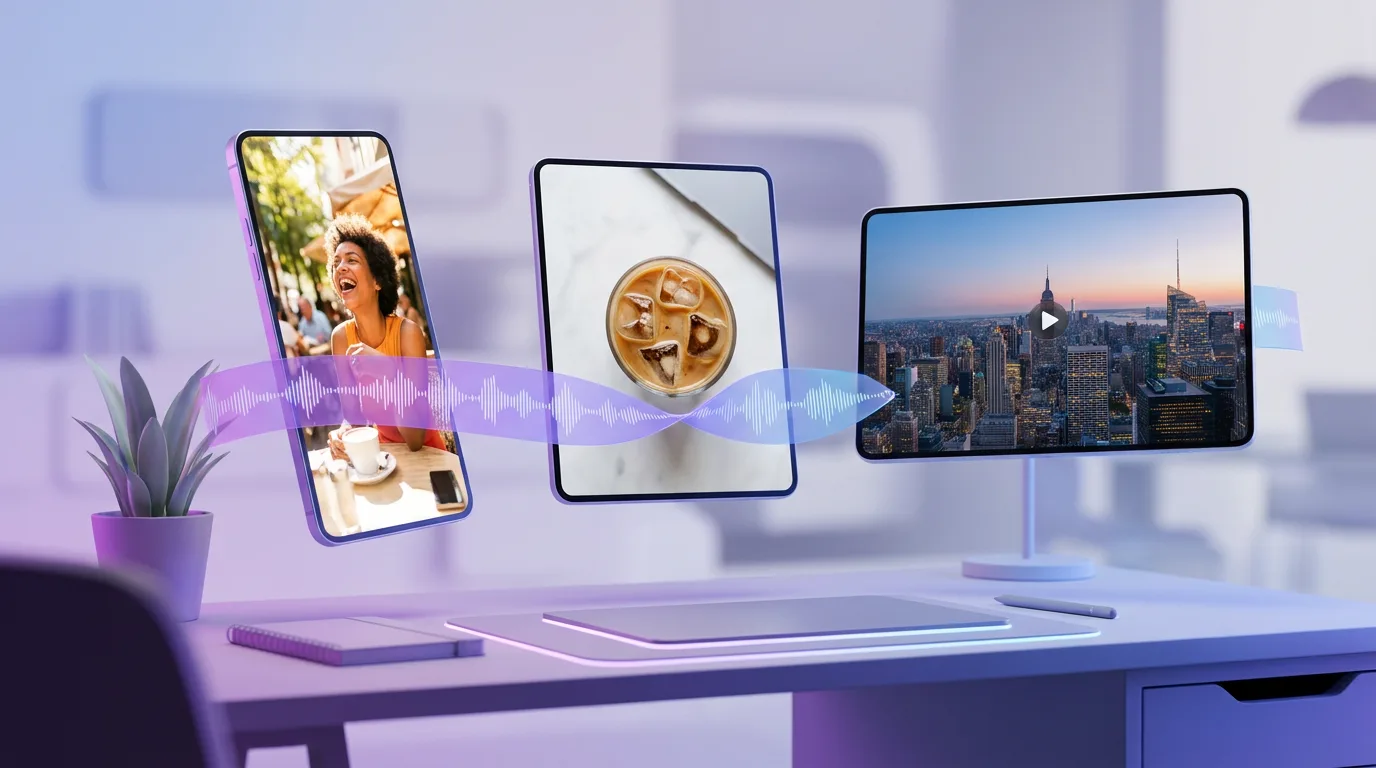
Social Media Creative Tools for Every Format
Every platform wants a different shape and a different medium. Create each one yourself, sized for where it will run.
Feed Images
Generate product shots, lifestyle scenes, and illustrated posts in the style your campaign calls for.
Short-Form Video
Create Reels, TikToks, and Shorts from a text prompt, or animate an image you made in Ambience AI.
Thumbnails and Covers
Make YouTube thumbnails, Reels covers, and podcast episode art sized for each platform.
Voiceover and Music
Generate AI voiceover and original music to pair with your clips, so every post has sound that fits it.
Every Platform Size
Generate square, portrait, and landscape versions of a post for feeds, stories, and video placements.
Shared Team Workspace
On the Team and Business plans, teammates share credits, creations, and project workspaces, so the whole calendar lives in one library.
AI Social Content for Teams
From the daily feed to a launch week, the assets your channels ask for come from the same workspace.
Daily Feed Posts
Feed images for Instagram, LinkedIn, and Facebook in square, portrait, or landscape sizes.
Reels, TikToks, and Shorts
Vertical clips for short-form feeds, paired with AI voiceover or music when the post needs sound.
Campaign Launches
Images, clips, and audio for a launch week, each generated in the size of the channel it runs on.
Thumbnails and Covers
YouTube thumbnails, Reels covers, and episode art that give followers a reason to tap.
One Shop, Every Channel
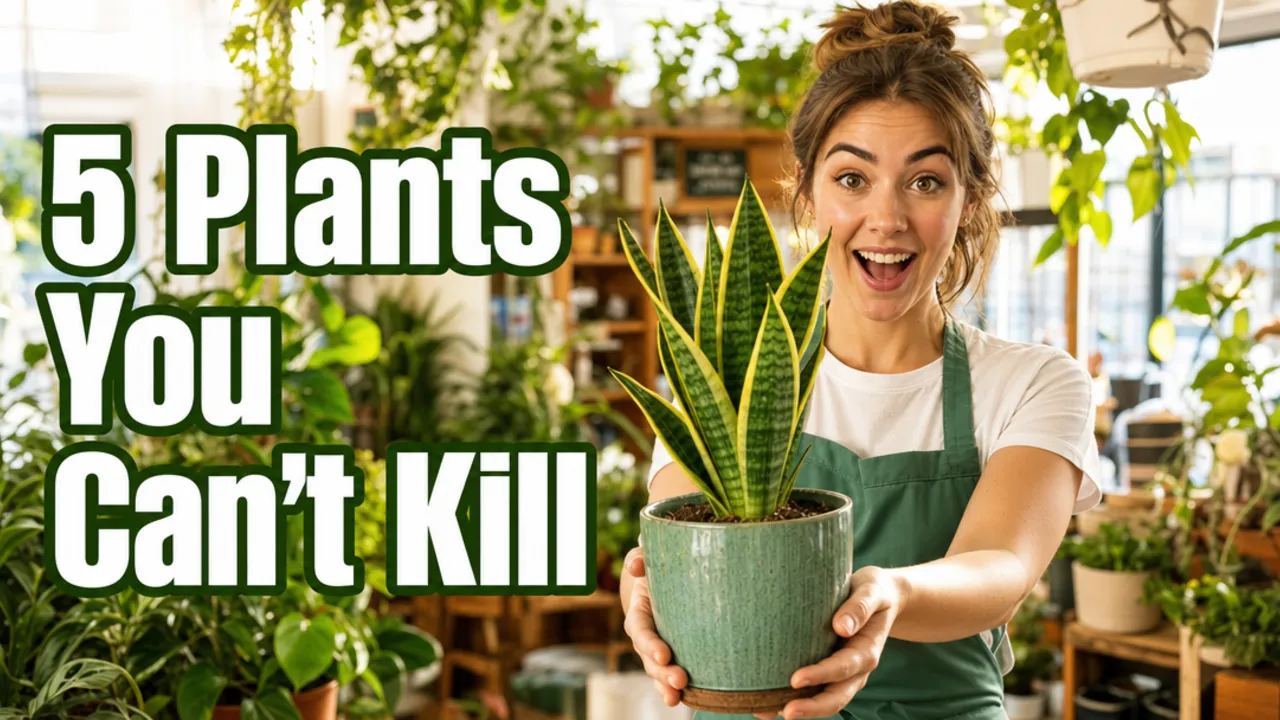
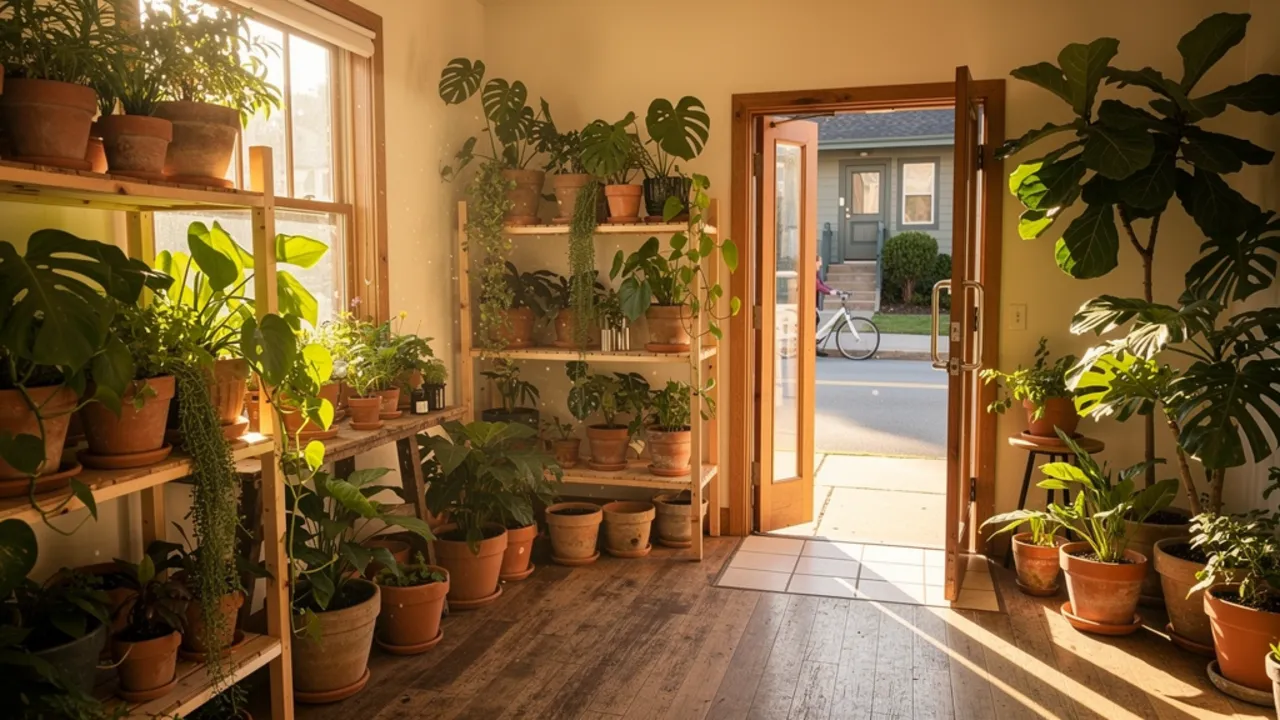
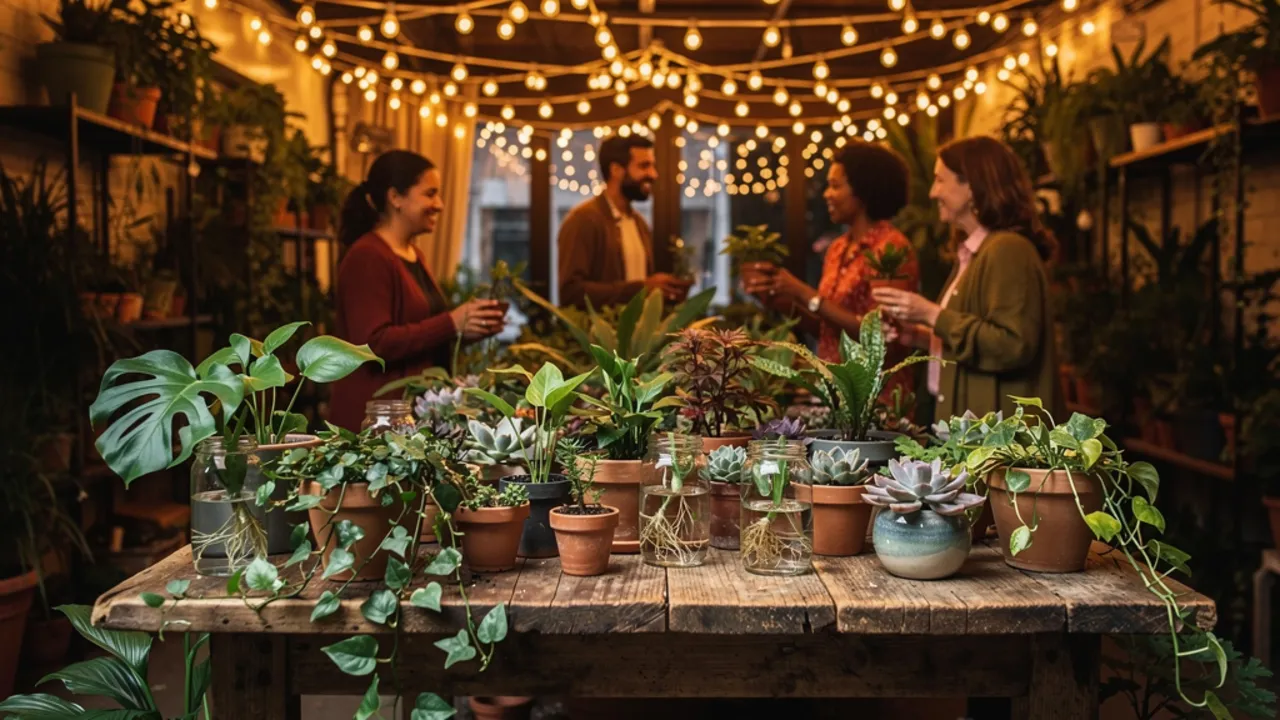
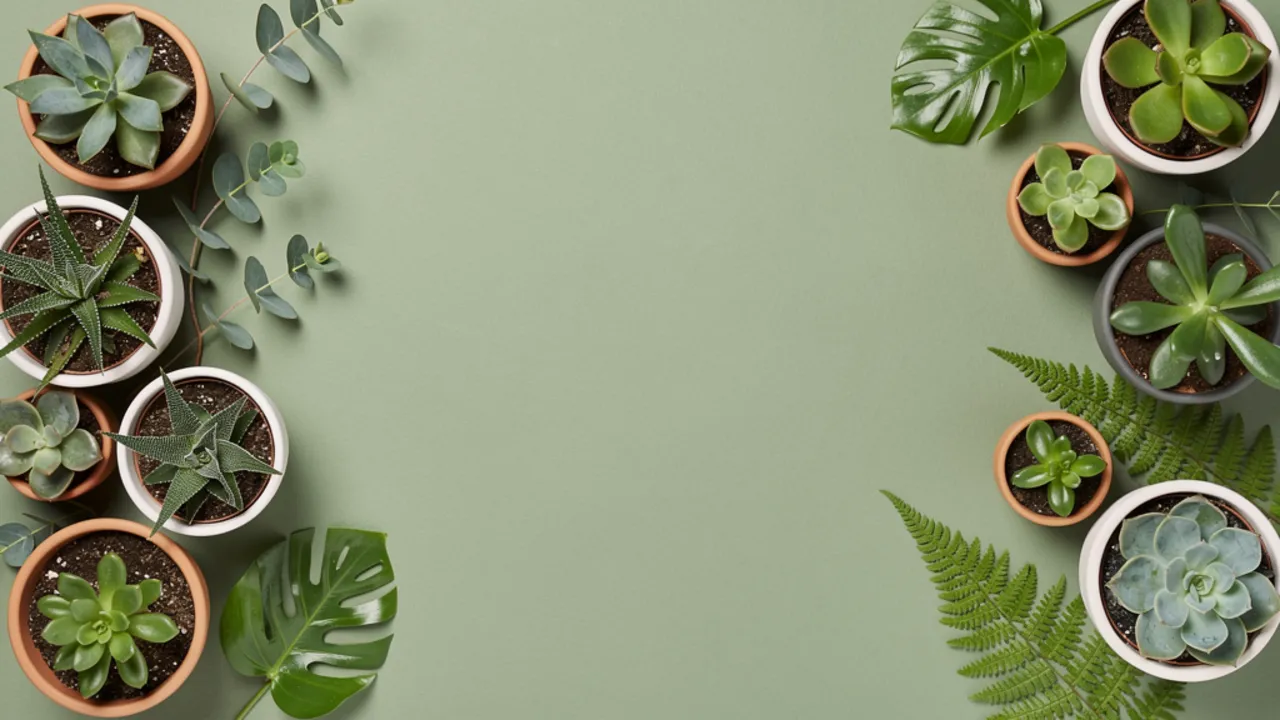
Four visuals for one neighborhood plant shop, all made with Ambience AI: a YouTube thumbnail, a feed post, an event cover, and a campaign banner.
From Brief to Scheduled Post in Three Steps
Start from the post you have planned and leave with assets ready for your scheduler.
Describe the Post
Write a prompt like "iced coffee and an open notebook on a sunlit cafe table, warm tones, overhead shot" and choose image, video, or audio.
Size It for the Platform
Pick square, portrait, or landscape, generate, and make variations until the post looks right.
Download and Schedule
Download the finished assets and load them into your scheduling tool for the week.
Ready to Create Amazing Content?
Start free with 100 credits and no credit card required. Paid plans start at $15 a month, and the Team and Business plans add shared seats, shared project workspaces, and higher monthly credits for social teams posting every day.
Social Media Team Creative FAQs
What social media teams ask about creating images, video, and audio with Ambience AI.
Videos come in square (1:1), landscape (16:9), and portrait (9:16), which cover Reels, TikToks, Shorts, stories, and YouTube videos. Images come in those three sizes plus standard (4:3) and portrait (3:4) for feed posts.
Yes. Use the AI Instagram video generator to create Reels and Stories from a text prompt, or animate an image you made in Ambience AI into a short clip. Then generate voiceover and music to pair with the clip in the AI audio generator.
Write the campaign's look into every prompt, such as the color palette, lighting, and setting, and reuse that wording across posts. The Premium, Team, and Business plans let you upload brand assets and product photos to build new posts around them, and the Team and Business plans add the References tool, which guides a new video with your own reference images.
Yes. The Premium, Team, and Business plans include a commercial license, so you can publish the images, videos, and audio you generate on your company's social channels.