AI YouTube Thumbnail Generator
Make YouTube Thumbnails That Stand Out
An AI YouTube thumbnail generator turns a video topic and style prompt into a 16:9 thumbnail concept designed for YouTube. Ambience AI lets you generate variations and download the result for your channel.
- YouTube optimized (1280x720)
- Generate in seconds
- Commercial use included
- Free to try: no credit card needed
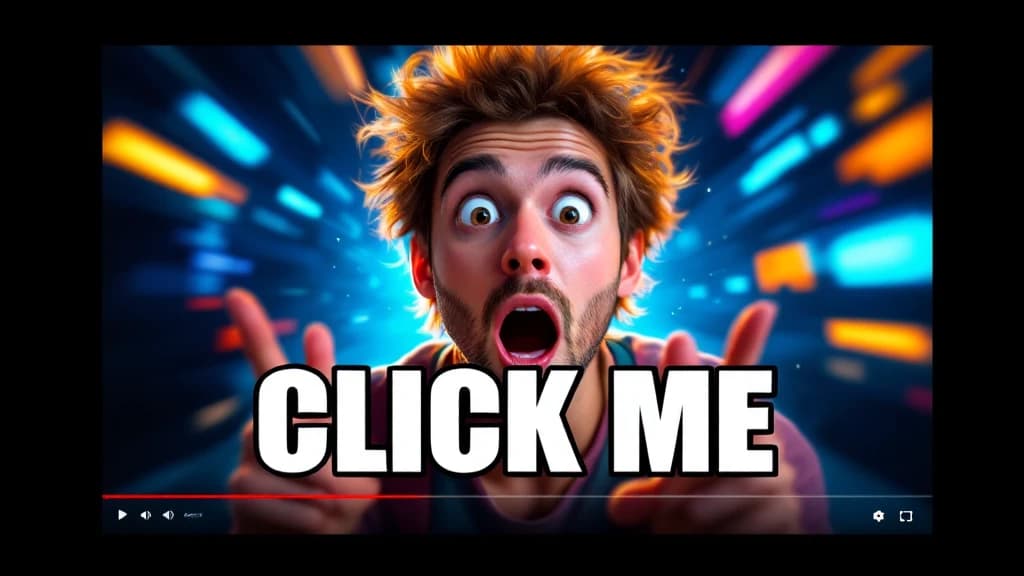
What is an AI YouTube thumbnail generator?
An AI YouTube thumbnail generator turns a video topic, audience, and visual direction into a 16:9 thumbnail concept. Ambience AI helps creators generate and refine YouTube-ready ideas for gaming, education, reviews, tutorials, and other channel formats. For other platforms, use the thumbnail generator for other platforms.
How to generate a YouTube thumbnail with AI
- Describe the video and target viewer.
- Specify the focal subject, expression, contrast, and short text.
- Generate in a YouTube-ready 16:9 layout.
- Check mobile legibility and accuracy.
- Refine and upload.
Want more control over the base visual? Use the generate a custom thumbnail image workflow, and write better AI image prompts.
AI Thumbnail Tools for YouTube Success
Create YouTube thumbnails that boost your click-through rate and grow your channel with our specialized AI tools.
Gaming Thumbnails
Eye-catching designs for gaming creators that stand out in the algorithm. High-contrast, emotive thumbnails that make viewers click.
Creator-Friendly Prompts
Tell our AI agent YouTube creator language like 'shocked face', 'comparison layout', and other viral thumbnail elements.
Perfect 16:9 Format
Optimized for YouTube's standard aspect ratio and displays perfectly on all devices - mobile, desktop, and TV.
Fast Generation
Create thumbnails in seconds, not hours. Perfect for creators who need to publish content quickly and consistently.
Trending Styles
AI understands viral YouTube thumbnail trends and designs. Stay ahead with thumbnails that match what's working now.
Consistent Visual Library
Upload reference images to generate new variations that match your brand aesthetic. Maintain a consistent look across your video series.
Create YouTube Thumbnails for Every Channel Type
See how YouTube creators use our AI thumbnail generator to boost clicks and grow their channels.
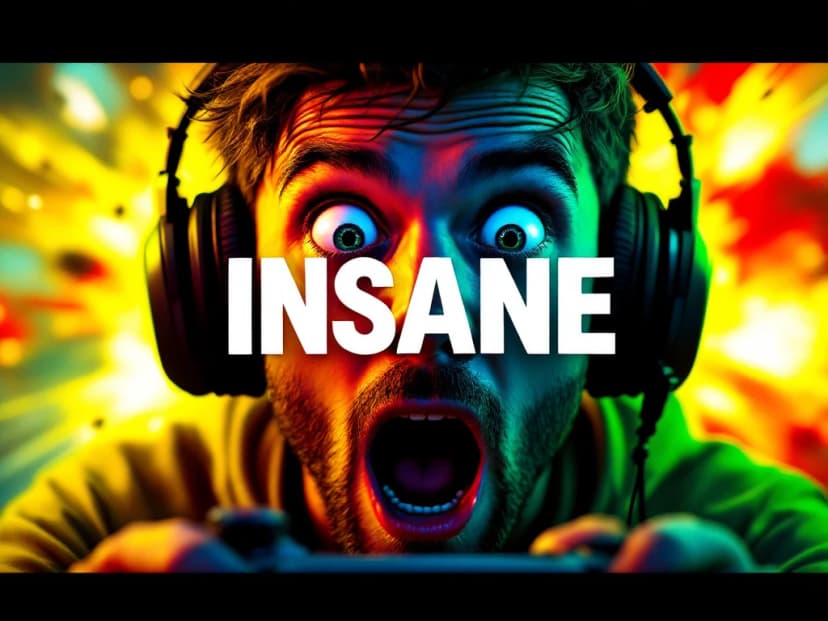
Gaming Channel Thumbnails
Create high-contrast, emotive thumbnails that grab attention in the gaming niche. Stand out with bold colors and expressive faces that make viewers click.
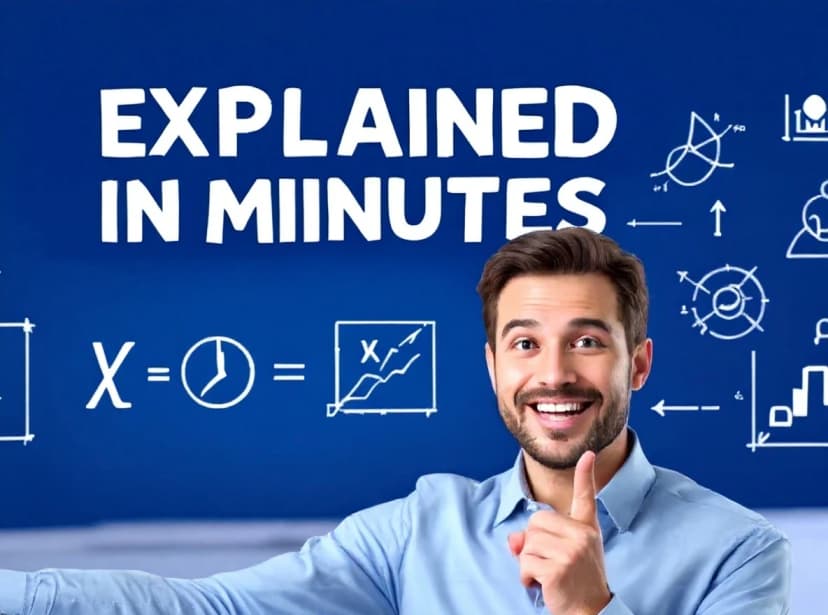
Educational Channel Thumbnails
Professional, clean thumbnails for tutorials, courses, and educational content that convey expertise and make learners want to click.
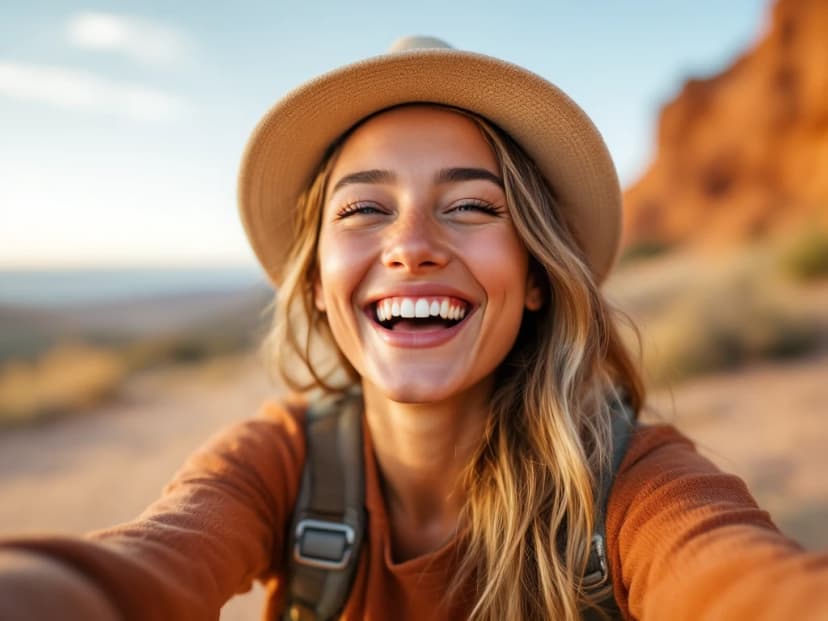
Vlog & Lifestyle Thumbnails
Personal, relatable thumbnails with facial expressions and emotion that resonate with your audience and encourage engagement.
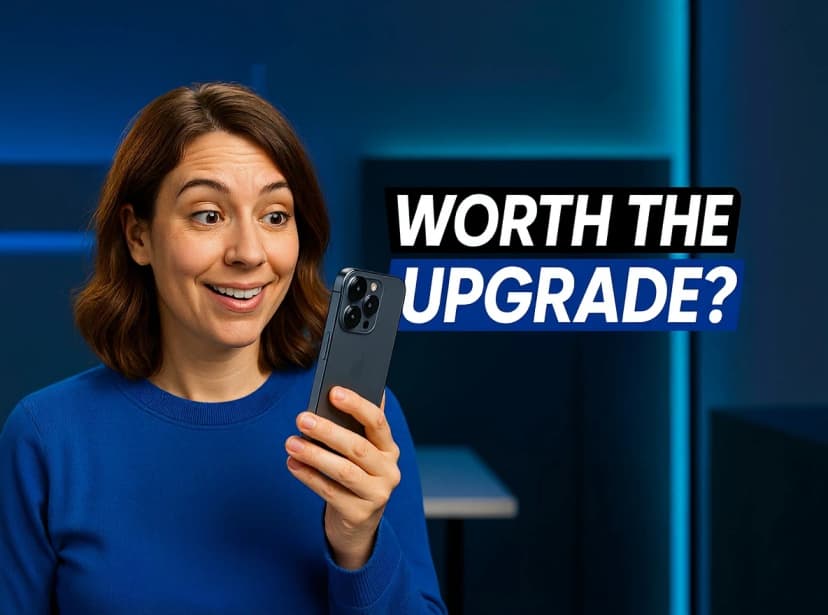
Tech Review Thumbnails
Sleek, modern thumbnails highlighting products and innovations that showcase your reviews professionally and attract tech enthusiasts.
Building a whole channel? See how content creators use Ambience AI for thumbnails, channel art, episode covers, and short-form clips.
Create YouTube Thumbnails That Drive Clicks in Seconds
No design experience needed - just describe your video and our AI creates the perfect YouTube thumbnail.
Describe Your Video Thumbnail
Tell us about your video topic, style, and target audience. Use YouTube creator language like 'shocked face' or 'comparison layout'.
Customize!
Not quite right? Tweak your prompt with different colors, emotions, or layouts. Generate multiple variations in seconds to find the perfect thumbnail.
Generate & Download
Our AI creates your thumbnail in seconds, ready for YouTube upload in perfect 1280x720 resolution.
AI YouTube Thumbnail Generator FAQs
Everything you need to know about creating professional YouTube thumbnails with AI.
Describe your video and target viewer, specify the focal subject, expression, contrast, and short text, then generate in a YouTube-ready 16:9 layout. Compare the variations, check mobile legibility, refine, and download the result for your channel.
YouTube recommends 1280x720 pixels in a 16:9 aspect ratio. Ambience AI generates thumbnails in this layout so they display well on phones, desktops, and TVs.
Yes. You receive commercial usage rights for the thumbnails you generate and can use them on monetized channels. Your thumbnail should accurately represent your video, in line with YouTube's community guidelines.
Keep text short and bold, use high contrast against the background, and place the key words away from the timestamp corner. Most YouTube views happen on small screens, so preview the thumbnail at a small size before you publish.
Yes. Provide one of your thumbnails as a reference image and prompt for new variations that match the same style, colors, and layout, so a series keeps a consistent look.