AI Image Generator
Create High-Quality Images from Any Prompt
An AI image generator turns a written prompt into a new image. In Ambience AI, you describe the subject, style, and composition, then choose a model and generate a downloadable visual.
- Fast models return a draft in seconds
- Commercial use included
- Free to try: no credit card required
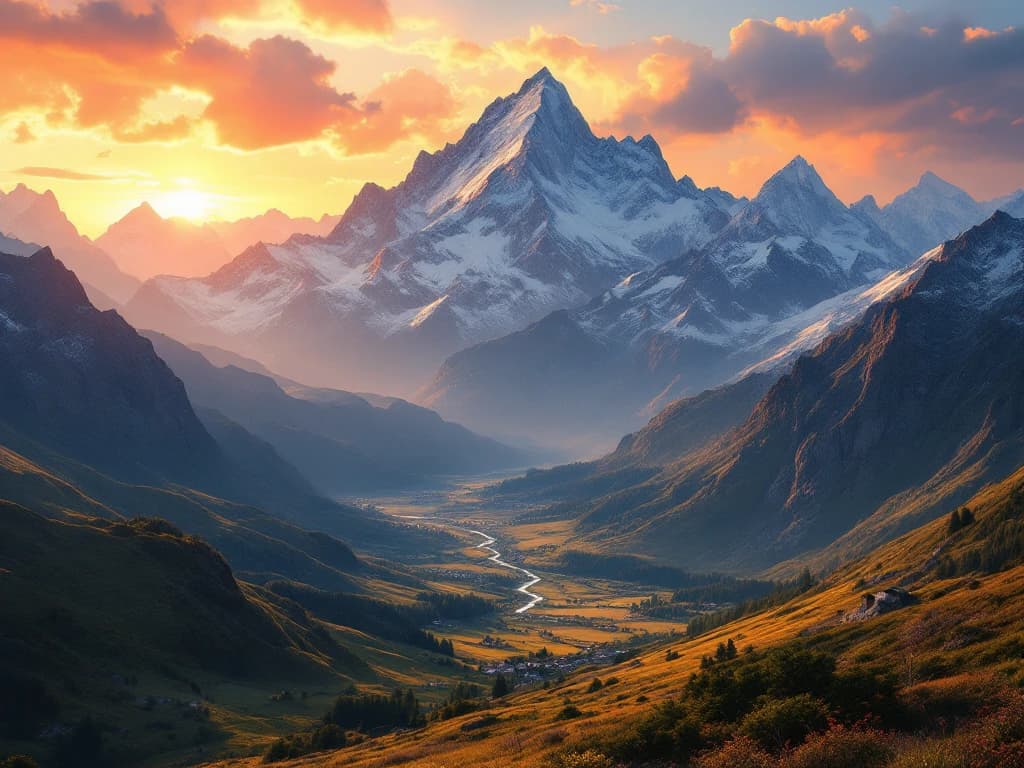
What is an AI image generator?
An AI image generator creates a new image from a written prompt or reference image. With Ambience AI, you describe the subject, setting, style, and composition, choose an image model, and generate a visual you can refine. From there you can turn your image into an AI video, create an AI thumbnail, or create AI images for presentations.
How to generate an AI image with Ambience AI
- Describe the subject and setting in a text prompt.
- Choose the image model and aspect ratio.
- Generate the image.
- Refine the prompt or add a reference image.
- Download it or turn it into another asset.
For model-specific prompting, read how to prompt Flux 2 Pro or the Nano Banana prompting guide. Comparing options? See our guide to compare the best AI image tools.
AI Image Tools
Our AI image generator combines cutting-edge technology with an intuitive interface to help you create beautiful visuals without the learning curve.
Smart Creation
Just describe what you want to create and our AI brings your vision to life with stunning detail and precision.
Style Magic
Choose from dozens of artistic styles or create your own custom look with simple adjustments.
Endless Possibilities
From landscapes to portraits, product photos to fantasy scenes - if you can imagine it, you can create it.
High Resolution
Create beautiful images perfect for social media, websites, or any project. Need print quality? Upscale images up to 4x for stunning high-resolution prints.
Simple Editing
Fine-tune your creations with intuitive controls that make adjustments easy, even without design experience.
Cloud Storage
Your creations are automatically saved to your personal gallery so you can access them anytime, anywhere.
Custom Image Generator = Endless Creative Possibilities
See how creators like you are using our AI image generator to bring their ideas to life.
Art Creation
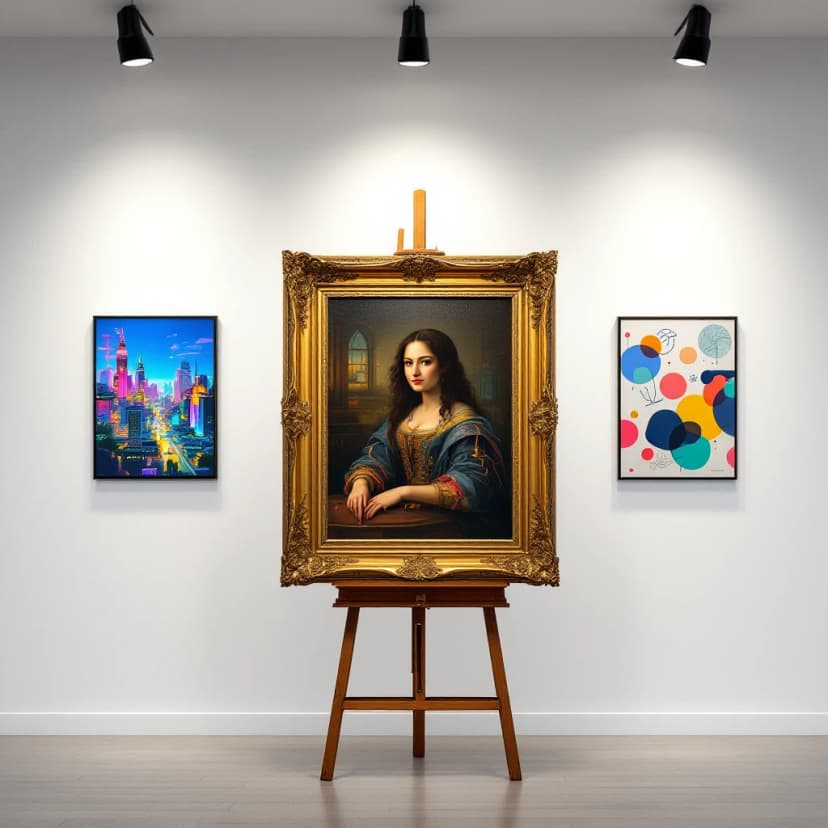
Generate beautiful artwork in any style, from renaissance paintings to modern digital art and anime. Design album cover art for your next music release, square playlist covers for Spotify and Apple Music, or a standout AI book cover for your next release. Not sure which look to pick? Browse the style library for examples and sample prompts.
Marketing Visuals
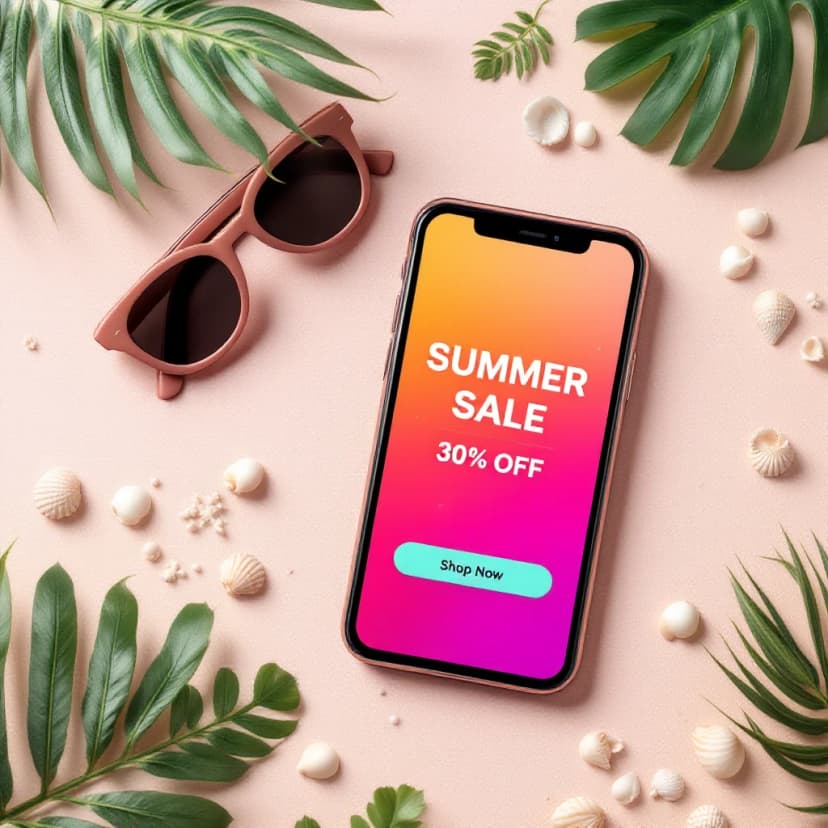
Create eye-catching graphics for social media, ads, and marketing campaigns. Design print-ready flyers and posters for events and small business promos, design celebration invitations, or make header images and share cards for Medium, Substack, and WordPress with our AI blog image generator, or produce launch hero shots and campaign creative with our product marketing image generator, or create hero and feature images for your SaaS website.
Concept Visualization
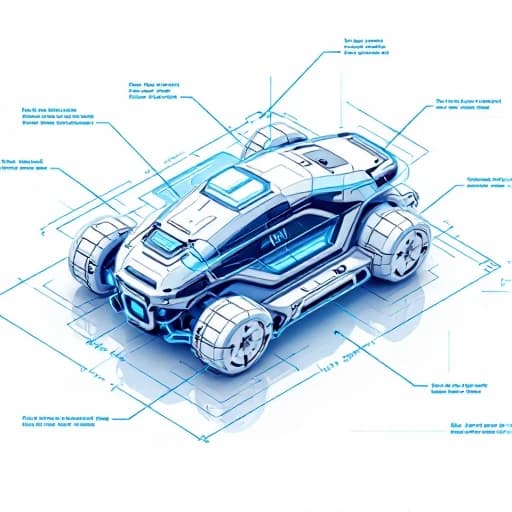
Quickly visualize your ideas and concepts for presentations, pitches, or project planning. Create professional presentation images, investor-ready pitch deck images, or eye-catching YouTube thumbnails in seconds.
Design Inspiration
Explore new creative directions and get inspired with AI-generated visuals that spark your imagination. Create a standout profile picture for any platform, or design custom phone and desktop wallpapers for every screen you own.
Creating Beautiful Images is Simple
You don't need design skills or technical knowledge - just your imagination and a few clicks.
Describe Your Vision
Tell us what you want to create using simple, everyday language. The more details you share, the better your results.
Choose Your Style
Select from artistic styles like photography, painting, 3D rendering, or customize the look to match your taste.
Generate & Share
Click create, watch your image appear in seconds, then download or share your creation with the world.
New to AI images? Follow our step-by-step AI image tutorials to learn prompting, lighting, aspect ratios, and picking the right model.
Hear from our Ambience AI Community
See how creators like you are using our AI image generator to bring their ideas to life.
“I went from struggling to communicate my design ideas to creating stunning visuals in minutes. This tool has completely transformed my creative process!”
Maya C.
Graphic Designer
“As someone with zero artistic talent, I never thought I could create beautiful images. This AI tool has given me a creative superpower I never knew I could have.”
James W.
Content Creator
“The quality and speed are incredible. I've used the images for my blog, social media, and even printed materials. My audience thinks I hired a professional designer!”
Sophia R.
Small Business Owner
AI Image Generator FAQs
Everything you need to know about our AI image generator.
Open the AI image generator, describe the subject, setting, style, and composition in a text prompt, choose an image model and aspect ratio, then generate. You can refine the prompt or add a reference image and regenerate until the result is right, then download it.
Yes. Alongside text-to-image, Ambience AI supports image-to-image editing: upload a reference image and prompt the model to restyle, edit, or build on it. Reference-capable models include Nano Banana Pro, Nano Banana 2, GPT Image 2, and Flux Kontext.
Match the model to the job. Available models include Nano Banana Pro, Flux 2 Pro, Flux 1.1 Pro, Krea 2 Medium, Krea 2 Turbo, Nano Banana 2, and GPT Image 2. Faster models return a draft in seconds, while premium models add sharper detail and readable text in the image. You can switch models and regenerate at any time.
Yes. You receive commercial usage rights for the images you generate, so you can use them in marketing, products, and client work.
You can generate in common aspect ratios (1:1, 16:9, 9:16, 4:3, and 3:4) and download JPEG or PNG files. Some models render up to 4K, and you can upscale any image up to 4x for prints and large formats.