Create Meta Ad Creative with AI
Paid social runs on fresh creative. Ambience AI gives paid social teams one workspace to produce image ads, video ads, and voiceover for Facebook and Instagram, then build the variations your next test needs.
- Image and video ads for Facebook and Instagram
- Square, vertical, and landscape sizes for each placement
- Free to try with no credit card required
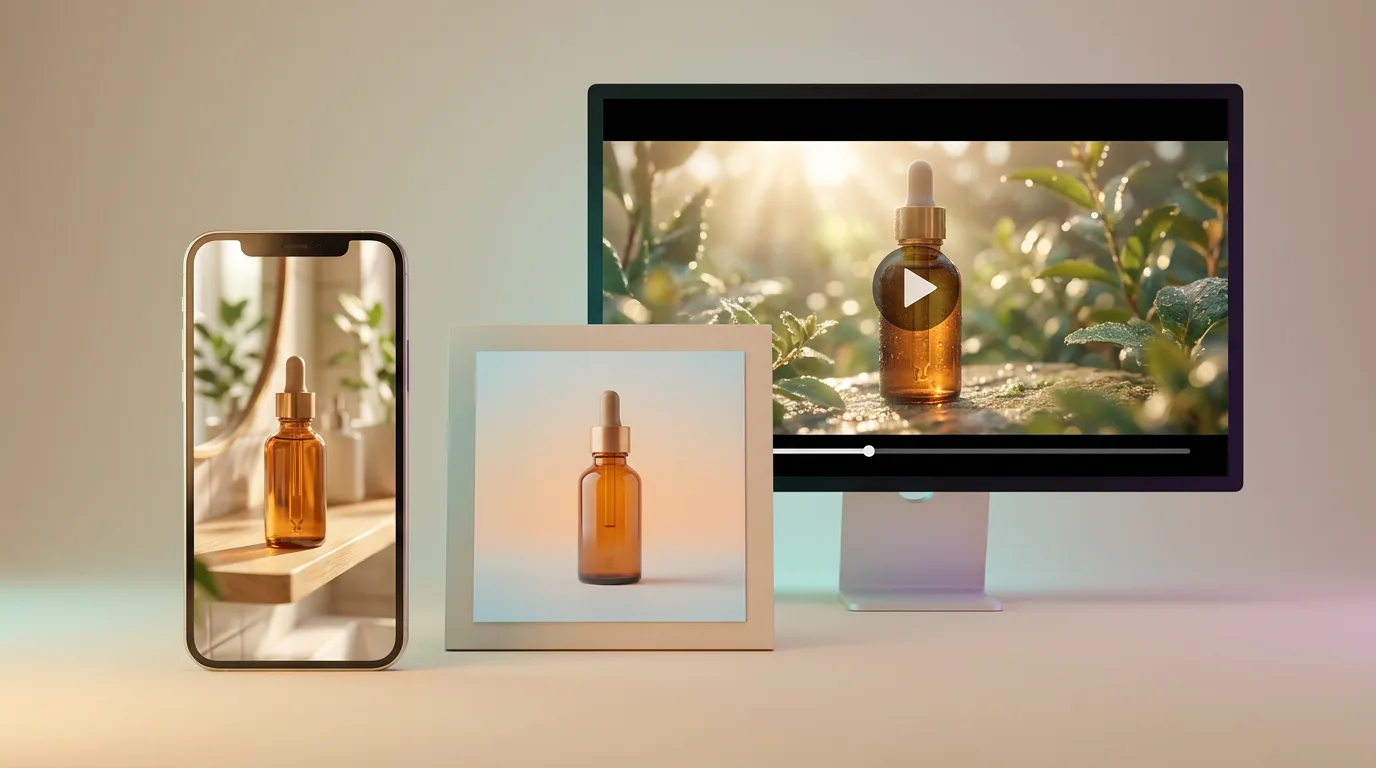
Everything Your Meta Campaigns Need
Meta rewards ad sets that rotate new creative. Produce the next round of image and video ads yourself, so a campaign never waits on a production queue.
Image and Video Ads
Describe the product, offer, and audience, then generate static image ads and short video ads for Facebook and Instagram campaigns.
Sized for Meta Placements
Pick square for feed, vertical 9:16 for Stories and Reels, or landscape 16:9 for in-stream video before each generation.
Variations for Testing
Change one variable per prompt, such as the hook, background, color, or setting, so each ad in the test shows what moved the result.
Turn Static Winners Into Video
Animate an image ad you made in Ambience AI into a short clip, then test the video against the static version.
Start From Your Product Photos
On the Premium, Team, and Business plans, upload a product shot and generate new scenes, backgrounds, and settings around it.
Voiceover and Music
Generate voiceover and music tracks to layer onto Reels and Stories ads in your video editor, and try different scripts to compare opening hooks.
Creative for Every Paid Social Campaign
From the first ad in a new campaign to the refresh that beats fatigue, the assets your Meta ad sets ask for come from the same workspace.
Feed Image Ads
Square static ads for Facebook and Instagram feeds, with the product and the offer front and center.
Stories and Reels Video
Vertical clips for full-screen Stories and Reels placements, ready for the voiceover or music you add in your editor.
Launch and Sale Campaigns
A set of ads for a product launch, seasonal sale, or limited offer, built around one campaign idea.
Creative Refreshes
New backgrounds, settings, and openings for a proven ad when frequency climbs and results slip.
One Campaign, Every Placement
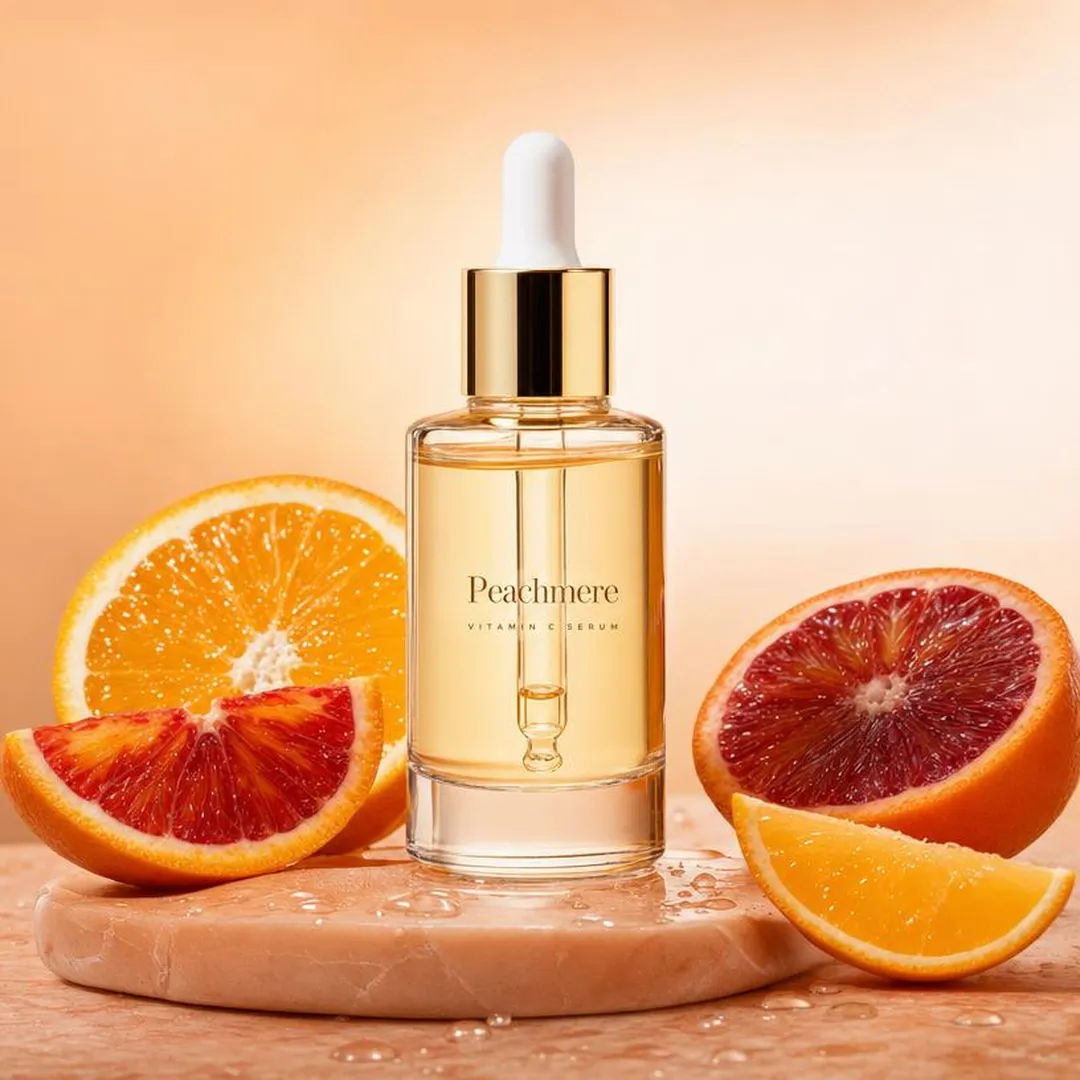
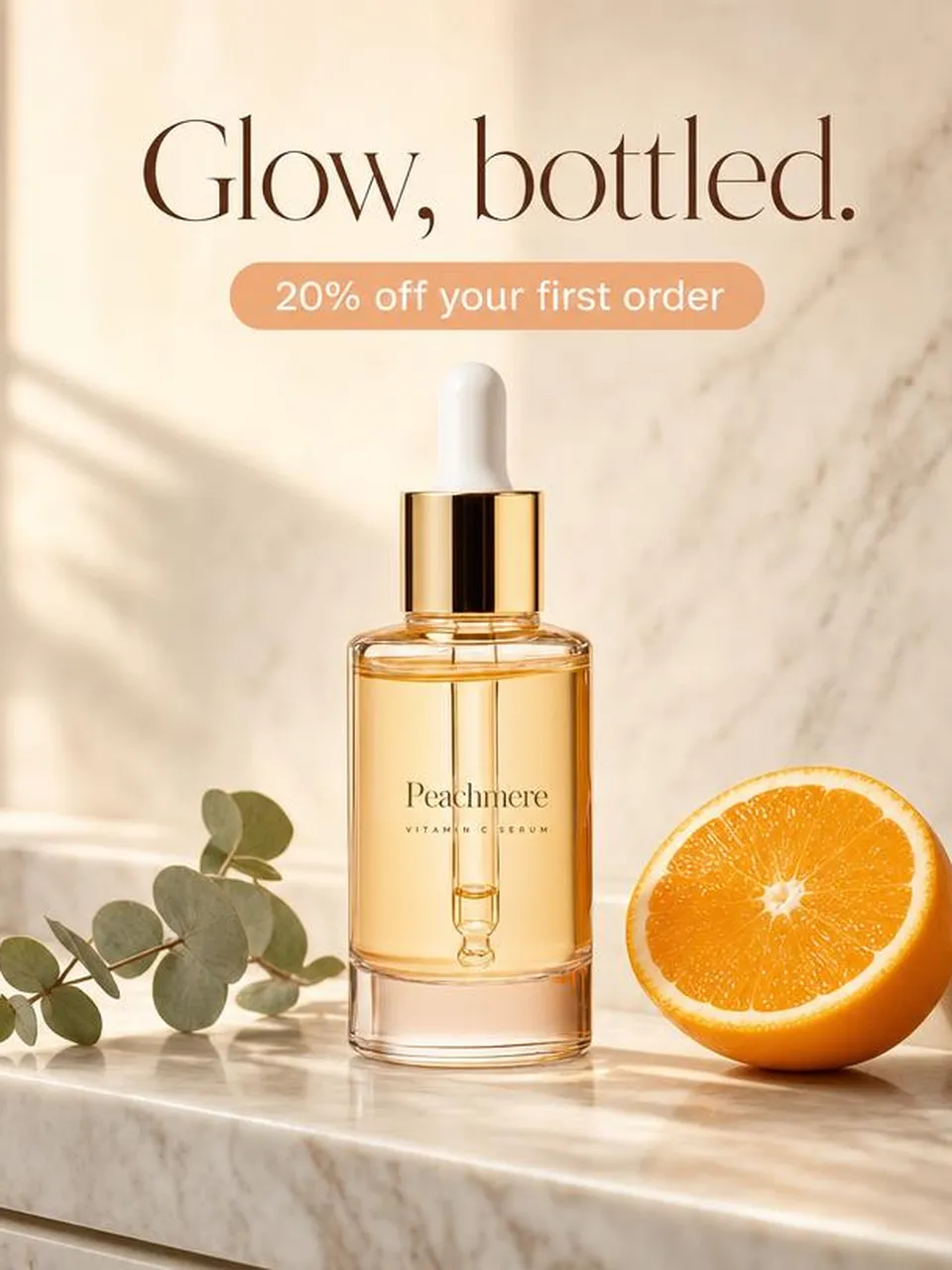
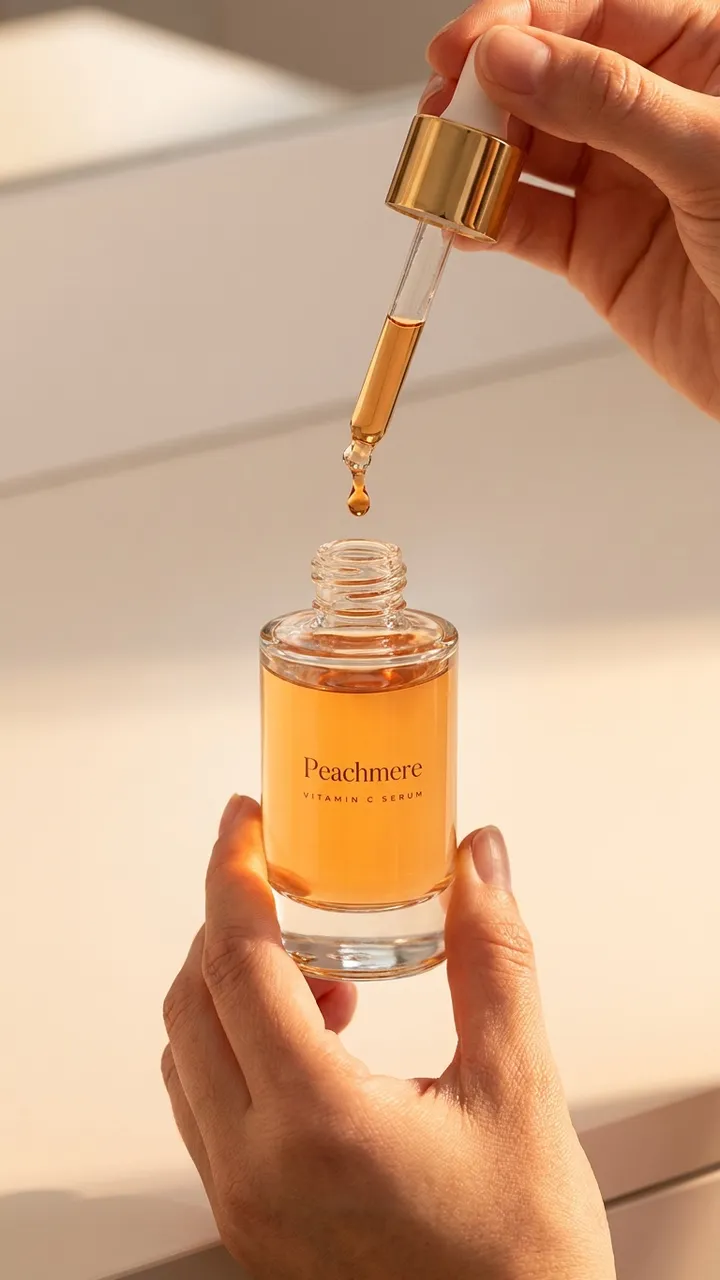
An example campaign for Peachmere, a fictional skincare brand, made with Ambience AI. One serum ad, sized and varied for feed, an offer test, a static-to-video cut, and Reels.
From Idea to Ad Set in Three Steps
Start from the angle you want to test and leave with files ready to upload to Meta Ads Manager.
Describe the Ad
Write a prompt like "skincare serum on a bathroom shelf in soft morning light, close product shot" and pick the size for your placement.
Generate Variations
Change the hook, background, or size one prompt at a time to build a clean set of ads for the test.
Download and Launch
Download each version, upload them to Meta Ads Manager, and come back for the next round when the results read out. The Premium, Team, and Business plans include the commercial license that covers this use.
Ready to Create Amazing Content?
Start free with 100 credits and no credit card required. Paid plans start at $15 a month, and the Team and Business plans add shared seats and higher monthly credits for teams shipping Meta ad creative every week.
Meta Ad Creative FAQs
What paid social teams ask about producing Facebook and Instagram ad creative with Ambience AI.
Meta ad creative is the images and videos that run in your paid Facebook and Instagram ads. With Ambience AI you generate those image and video assets yourself, sized for the placements your campaign runs in.
Ambience AI generates square (1:1), landscape (16:9), vertical (9:16), standard (4:3), and portrait (3:4) image ads, and square, landscape, and vertical video ads. Use square for feed placements, 9:16 for Stories and Reels, and 16:9 for in-stream video. You pick the ratio before each generation, so make a version for each placement you run.
Yes. Use the AI ad video creator to generate short video ads from a text prompt, or animate an image ad you made in Ambience AI into a video. For Reels and Stories that play with sound, generate voiceover and music tracks with the AI audio generator to layer onto the clip in your video editor.
Describe one concept, then change a single variable per prompt, such as the hook, the background, the color, or the setting, and generate a version for each. Every version stays in your Library, so you can download each version and let your test pick the winner.
No. Ambience AI creates the image, video, and audio files for your ads. You download them and upload them to Meta Ads Manager yourself, where you set the audience, budget, and test. The Premium, Team, and Business plans include the commercial license that covers this use.
Yes. The Premium, Team, and Business plans let you upload product photos and brand assets, then generate new scenes, backgrounds, and angles around them for your Facebook and Instagram ads.
On the Premium, Team, and Business plans, yes. Those plans include a commercial license, so you can run the images, videos, and audio you generate in paid Facebook and Instagram campaigns.