AI Video Presentation Maker for Every Team
Turn your slides or a plain outline into a narrated video presentation with motion visuals and clear pacing. Our presentation video AI needs no film crew, no editing app, and no agency budget.
- Slides or an outline become a moving video
- On-brand narration built in
- Vertical, square, and wide formats for every screen
- Start free with 100 credits, no credit card needed
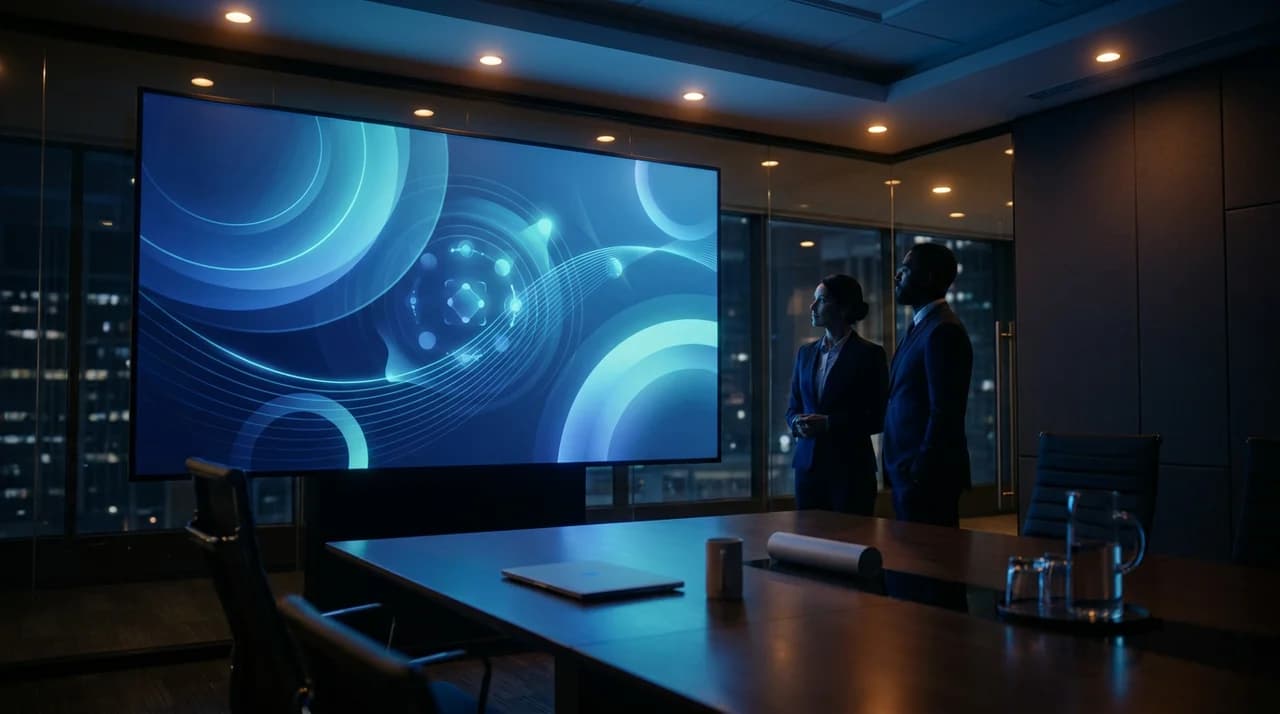
A Video Presentation Maker Built for Working Teams
Everything you need to turn a deck into a motion presentation, without a production company, a motion designer, or an editing suite.
Slides to Video
Paste an outline or describe your deck and Ambience AI turns each point into a moving scene, so a flat presentation plays as one cohesive story that keeps a room watching.
Narration Built In
Add an on-brand voiceover that carries your script, so your video presentation explains itself when you send it ahead of a meeting or share it after one.
Every Presentation Format
Generate vertical 9:16 for social, square 1:1 for the feed, and wide 16:9 for webinars and decks, so one presentation runs in every room and inbox.
On-Brand Every Time
Reuse the same prompt style, palette, and reference frames across every deck so your corporate, training, and sales presentations feel like one company.
Ready in Minutes
Generate a video presentation in minutes so you can refresh the numbers, the message, or the hook right up until you walk into the room.
Full Commercial Rights
Every presentation you generate comes with full commercial usage rights, ready to present to clients, embed on your site, and run in campaigns.
One Deck for Every Kind of Presentation
Every example below was generated with Ambience AI: corporate updates, training lessons, sales walkthroughs, and vertical clips for social from one place.
Corporate & Business Update
Turn a status deck into a corporate video presentation that opens on the headline, walks through the numbers, and lands the next step, ready for all-hands, stakeholders, and follow-up email.
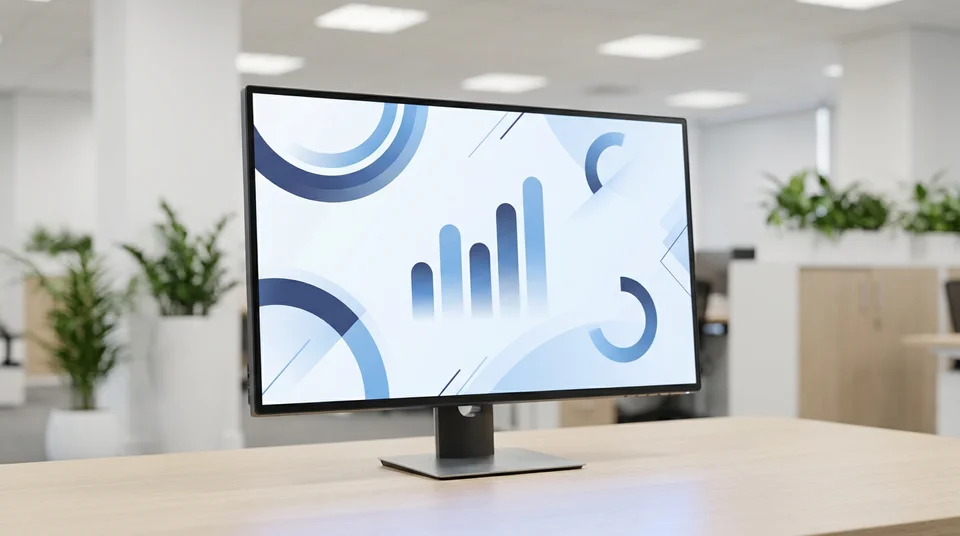
Training & Course Lesson
Build a training video presentation that breaks a topic into clear, paced scenes with narration, so new hires and course learners follow along without a live session.

Sales & Product Walkthrough
Send a sales video presentation that frames each feature around the outcome it delivers, so prospects see the value before the call instead of sitting through a dry tour.

Vertical Presentation for Social
Spin up a vertical 9:16 presentation for Reels, Stories, and TikTok, with a punchy hook that turns a webinar or a key takeaway into a clip that stops the scroll.

From Deck to Video Presentation In Minutes
No shoot, no editing app, no agency. Just describe the presentation you want and share it.
Add Your Slides or Outline
Paste your outline or describe your deck, tell us who it is for, and choose the format and channel you are sharing it on.
Shape the Story
Not quite right? Adjust your prompt for the hook, pacing, or narration, and generate fresh variations until the presentation lands.
Export and Share
Download your video presentation in the aspect ratio you need and drop it into a webinar, a stakeholder email, or a social post.
Hear from Teams and Presenters
Discover how small teams use our AI to turn a deck into a video presentation before the next meeting.
“I turned our quarterly deck into a five-minute video and sent it before the all-hands. People showed up already caught up, so the meeting was all discussion.”
Mara T.
Operations Lead
“Our onboarding used to be a live call I repeated every week. Now new hires watch a narrated video presentation on day one and come in with questions ready.”
Devin K.
Learning and Development
“Making the presentation vertical for social and wide for the webinar used to mean two separate edits. Now one story runs everywhere without the rework.”
Elena M.
Product Marketer
AI Video Presentation Maker FAQs
Everything you need to know about making video presentations with AI.
Yes. Describe your deck or paste your outline and Ambience AI shapes it into a narrated video presentation with motion visuals and clear pacing. Each point becomes a moving scene, so a flat set of slides plays as one cohesive story that holds attention.
Corporate updates and all-hands recaps, training and course lessons, and sales and product walkthroughs. Start from a text prompt or an image and this presentation video AI builds a short, on-brand clip for the room, the inbox, or the feed.
Absolutely. You get full commercial usage rights for every video you generate, so you can present to clients, embed a clip on your site, and run it in campaigns without any extra licensing.