Turn Photos and Slides into AI Slideshow Videos
Drop in a photo or a slide and Ambience AI animates it into a slideshow video with motion, music, and smooth transitions. No editing software required.
- Photo to video ready in minutes
- Vertical, square, and wide formats for every channel
- Start free with 100 credits, no credit card needed
A Slideshow Video Maker for Every Photo Set
Everything you need to turn photos and slides into an animated slideshow video, without a timeline or an editing suite.
Photo to Video
Upload a photo and Ambience AI brings it to life with motion, turning a still shot into an animated slideshow scene.
Slide Deck to Video
Turn each slide into an animated segment so a static deck plays as a video for anyone who missed the presentation.
Music and Voiceover
Add an original soundtrack or an AI voiceover from the same creation flow, so every slideshow is set to sound.
Transitions and Motion
Pan, zoom, and fade give your photos movement, so still shots feel like a moving video without touching a timeline.
Every Aspect Ratio
Export vertical 9:16 for Reels and Shorts, square 1:1 for the feed, and wide 16:9 for YouTube and landing pages.
Full Commercial Rights
Every slideshow video you generate comes with full commercial usage rights, ready for clients, campaigns, and social.
One Prompt for Every Kind of Slideshow
Every example below was generated with Ambience AI: photo highlights, slide decks, social reels, and product showcases from one place.
Photo Slideshows
Turn vacation, wedding, and event photos into a shareable highlight video with motion and music in minutes.

Slide Deck Videos
Turn a pitch deck or lesson slides into an animated video so your deck plays on its own for viewers who missed the room.

Social Photo Reels
Stack your best photos into a vertical slideshow reel built for TikTok, Reels, and Stories, ready to post the same day.
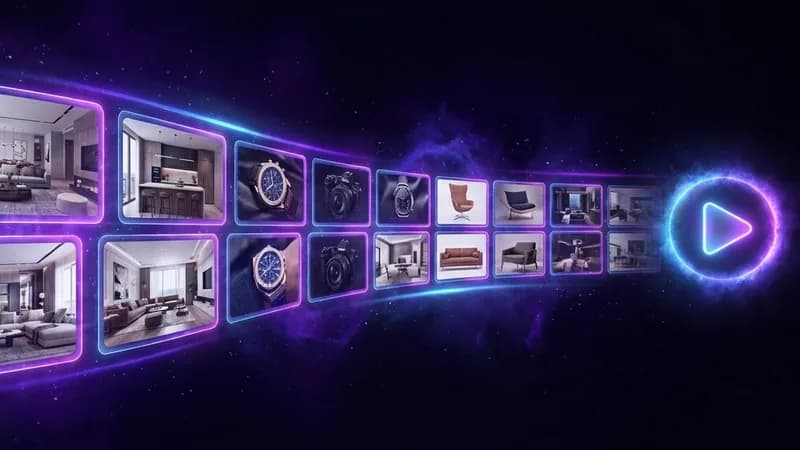
Product & Real Estate Showcases
Roll product shots or property photos into a smooth showcase video for listings, ads, and storefronts.
Make a slideshow video in three steps
No editing skills needed. Just your photos or slides and a few clicks to a finished slideshow video.
Add Your Photos or Slides
Upload a photo or slide, or describe the slideshow you want, then pick a mood, pace, and format for the scene.
Generate Your Slideshow
Ambience AI animates each shot with transitions and motion, and you regenerate scenes until the cut feels right.
Add Sound and Share
Layer on music or a voiceover, then download your slideshow video ready for social, a landing page, or a deck.
Loved by Creators and Teams
See how creators and businesses turn photos and slides into video without an editor.
“I turned a folder of trip photos into a slideshow video with music in one afternoon. My family thought I hired an editor.”
Priya M.
Hobbyist Creator
“Our new listings go up with a photo slideshow video now. Homes get more saves, and I make each one in minutes between showings.”
Daniel O.
Real Estate Agent
“I animate our pitch deck slide by slide and send it as a video. Prospects actually watch the whole thing instead of skimming a PDF.”
Renata C.
Startup Founder
Explore More AI Video Tools
More ways to turn ideas, photos, and slides into video with Ambience AI.
AI Slideshow Video FAQs
Everything you need to know about making slideshow videos with AI.
Yes. Upload a photo and Ambience AI brings it to life with motion, so a still shot becomes an animated slideshow clip. Generate one scene per photo, then sequence them into a finished slideshow video.
Yes. Turn each slide into an animated segment with its own motion and pacing, so a static deck plays as a video for viewers who missed the room. Describe the slide or upload it as an image to guide the visuals.
Each generated clip runs 5, 10, or 15 seconds with native sound on MiniMax H3 Max Turbo, 10 seconds with Kling 2.1 Pro, and 15 seconds at 2K with native sound on MiniMax H3. For a longer slideshow, generate several scenes and sequence them, or use the AI Story Video Maker to assemble multiple scenes with narration and captions in one pass.
Yes. Generate an original soundtrack or an AI voiceover with the Ambience AI audio generator in the same creation flow, then layer it onto your slideshow so every photo and slide is set to sound.
Create vertical 9:16 for Reels, Shorts, and TikTok, square 1:1 for the feed, and wide 16:9 for YouTube, landing pages, and presentations, so one slideshow runs across every channel.
You can start free with 100 credits and no credit card required. A 5 second clip with MiniMax H3 Max Turbo uses 100 credits, cinematic Kling 2.1 Pro clips use 250, and 15 second clips with sound use 500 on MiniMax H3. Paid plans start at $15 per month when you are publishing slideshows every week.