Free AI Wallpaper Generator for Phone and Desktop
Turn a simple idea into a custom iPhone wallpaper, an aesthetic desktop background, or 4K art in seconds. Our AI wallpaper generator makes free HD wallpaper for any device you own.
- Custom phone and desktop wallpapers in seconds
- Sharp 4K resolution for every screen
- Free to try: no credit card required
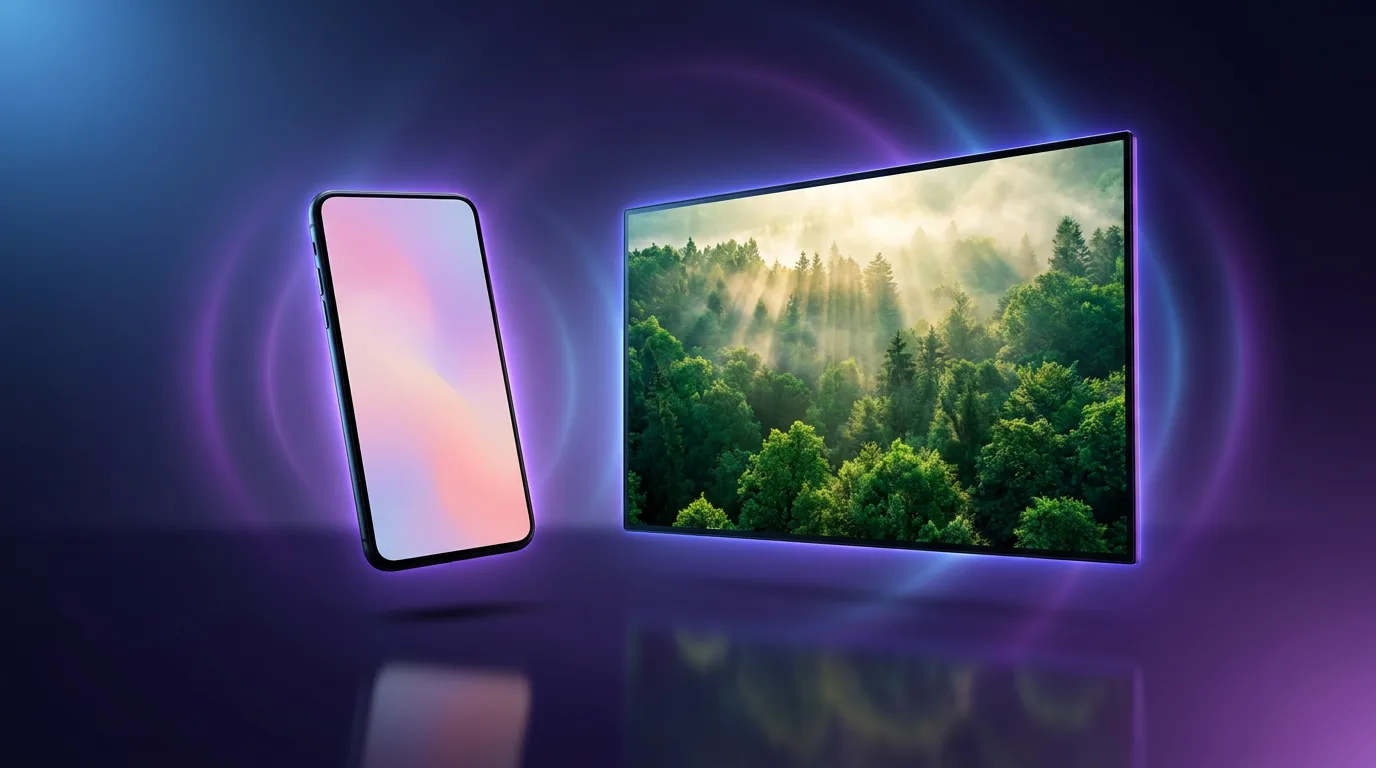
Everything You Need to Make Custom Wallpapers
Skip the wallpaper apps and stock galleries. Describe the look you want, and the AI wallpaper generator handles the composition, color, and mood for you.
Every Screen Size
Generate portrait wallpapers for phones and tablets, plus landscape backgrounds for desktops and laptops. Match iPhone, Android, iPad, and monitor dimensions in a single prompt.
4K HD Quality
Create crisp, high-resolution wallpapers that stay sharp on retina phones and large desktop monitors. Generate at up to 4K, so your background never looks blurry or pixelated.
Any Aesthetic or Style
Minimalist, nature, abstract gradient, anime, dark OLED, and retro synthwave. Describe any mood, palette, or theme, and the aesthetic wallpaper AI generator brings it to life.
Instant Refinement
Not quite right? Tweak your prompt and regenerate in seconds. Explore colors, subjects, and compositions until your wallpaper feels made just for you.
Matching Wallpaper Sets
Create a coordinated look across your phone, tablet, and desktop. Generate variations of the same theme so every device shares one cohesive aesthetic.
Lightning Fast Creation
Generate a fresh wallpaper in seconds. Perfect for refreshing your home screen on a whim or matching your background to a new season, mood, or playlist.
Wallpapers for Every Style and Screen
Every wallpaper below was generated with Ambience AI. Open the full-size files to see phone and desktop backgrounds across minimalist, nature, abstract, and synthwave styles.
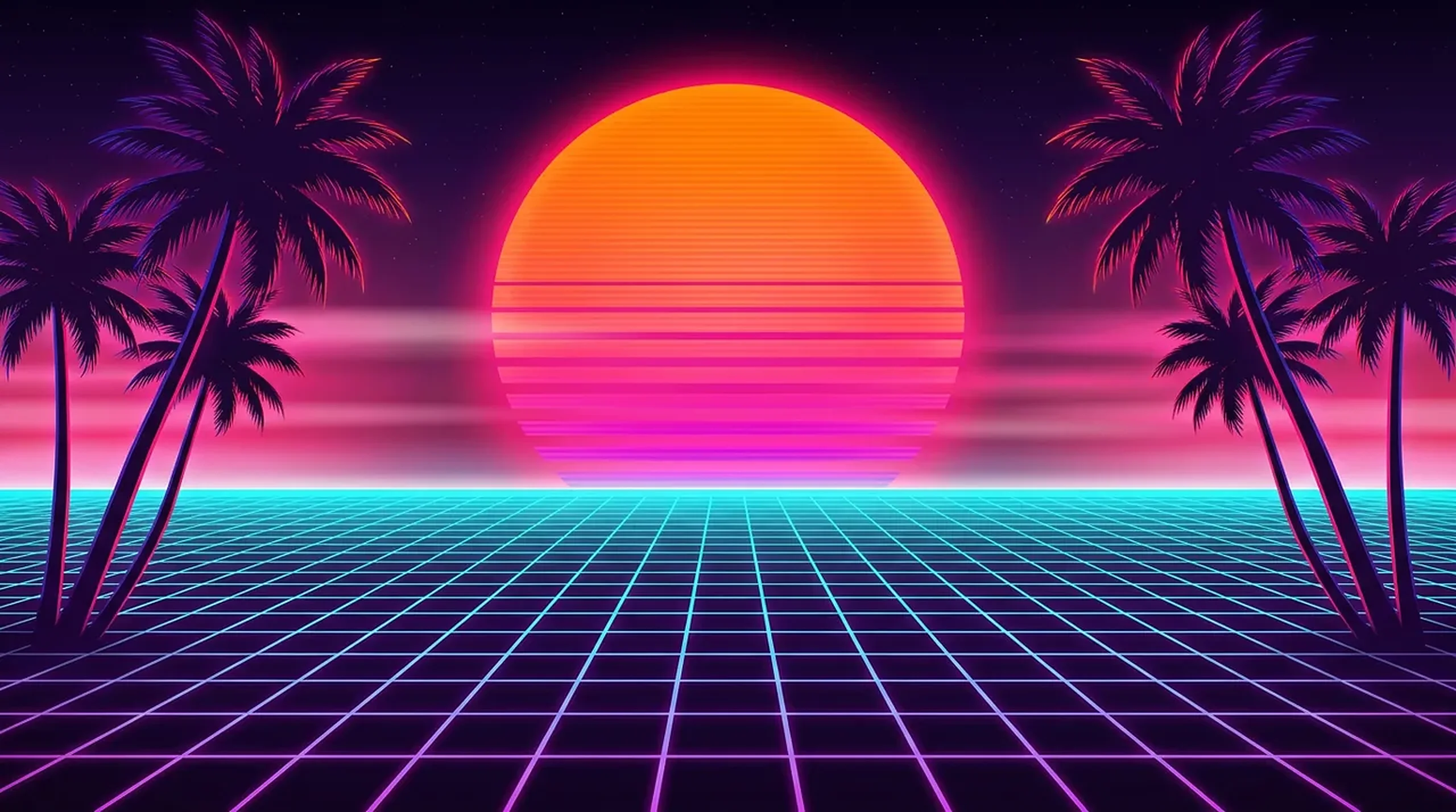
Wallpapers for Every Screen You Own
Whether you are refreshing a phone, a tablet, or a dual-monitor desktop, the generator meets you at the right size and shape.
iPhone and Android Wallpapers
Create tall, portrait backgrounds sized for modern phones. The iPhone wallpaper AI keeps your subject centered and clear on lock screens and home screens.
Desktop and Laptop Backgrounds
Use the desktop wallpaper maker AI to design wide 16:9 art for MacBooks, Windows laptops, and large monitors, all in crisp high resolution.
Tablet and iPad Wallpapers
Generate backgrounds tuned for iPad and Android tablet screens, so your art fills the display cleanly in both portrait and landscape.
Lock Screen and Home Screen
Design a calm lock screen and a matching home screen that leaves room for your clock, widgets, and app icons.
Dark OLED Wallpapers
Make deep, true-black wallpapers that save battery on OLED phones and give your screen a sleek, moody look after dark.
Aesthetic Themed Sets
Build a coordinated aesthetic across all your devices, from soft pastel gradients to bold retro synthwave, with the aesthetic wallpaper AI generator.
Making a Wallpaper is Easy
No design experience needed. Go from idea to a set-ready wallpaper in three simple steps.
Describe Your Wallpaper
Enter a prompt like "minimalist mountains at sunrise," "dark OLED galaxy for my phone," or "retro synthwave city skyline for my desktop."
Pick Your Screen Size
Choose a portrait ratio for phones and tablets or a landscape ratio for desktops and laptops, then generate at up to 4K resolution.
Download and Set
Get your high-resolution wallpaper in seconds, then save it to your phone, tablet, or desktop and set it as your new background.
Device Sizing Guide
Not sure which size to make? Match your wallpaper to these common screen resolutions so it fits perfectly, edge to edge.
iPhone
- 1170 x 2532
- 1290 x 2796
Android
- 1440 x 3200
Desktop
- 1920 x 1080
- 2560 x 1440
iPad
- 2732 x 2048
Sizes are shown in pixels as width by height. Generate a portrait image for phones and tablets, and a landscape image for desktops and laptops.
Loved by our Ambience AI Community
Hear from creators who style every screen with AI-generated wallpapers.
“I made a matching minimalist wallpaper for my phone and laptop in one sitting. My whole setup finally feels like it belongs together.”
Alina R.
Product Designer
“I refresh my home screen every week now. A quick prompt gives me a fresh 4K background that looks better than anything in the wallpaper apps.”
Marcus T.
Creator
“The dark OLED wallpapers are gorgeous and easy on my battery. I described a moody galaxy and had the perfect lock screen in seconds.”
Priya N.
Photographer
AI Wallpaper Generator FAQs
Everything you need to know about creating custom phone and desktop wallpapers.
It is an AI image tool that turns a short text description into a custom wallpaper. Describe the mood, colors, and subject you want, pick your screen size, and Ambience AI creates a phone or desktop background you can download in seconds.
Yes. You can start free with generation credits and no credit card required. Paid plans unlock more credits and premium models when you want to build a full set of HD wallpapers for every device.
Yes. Ambience AI creates crisp, high-resolution art that stays sharp on large desktop monitors, from 1920x1080 up to 2560x1440 and beyond, and you can upscale results even further for ultrawide and dual-monitor setups.
Any aesthetic you can describe. Popular styles include minimalist, nature, abstract gradient, anime, dark OLED, and retro synthwave. Just name the vibe, colors, and subject in your prompt, and Ambience AI handles the rest.
Generate a portrait image and choose a phone-friendly size like 1170x2532 or 1290x2796 for recent iPhones. The iPhone wallpaper AI creates tall backgrounds built for lock screens and home screens, so nothing important gets cropped.
Your wallpapers are created with advanced image models, including Flux 2 Pro and GPT Image 2. These models produce detailed, high-resolution art that looks great as a free HD wallpaper on any device.
Describe a calm, uncluttered upper area and place the focal point in the middle or lower half of the frame, since phone lock screens put the clock and notifications near the top. Strong shapes and smooth gradients stay readable behind icon grids far better than busy textures.