App Demo Videos Made With AI
Turn a simple prompt into a sleek product demo video that shows your app in action. No screen recording, no editing app, no motion designer.
- Clean UI walkthroughs for web and mobile
- Add AI narration and a soundtrack
- Demo-ready in minutes, even before launch
- Start free with 100 credits, no credit card needed
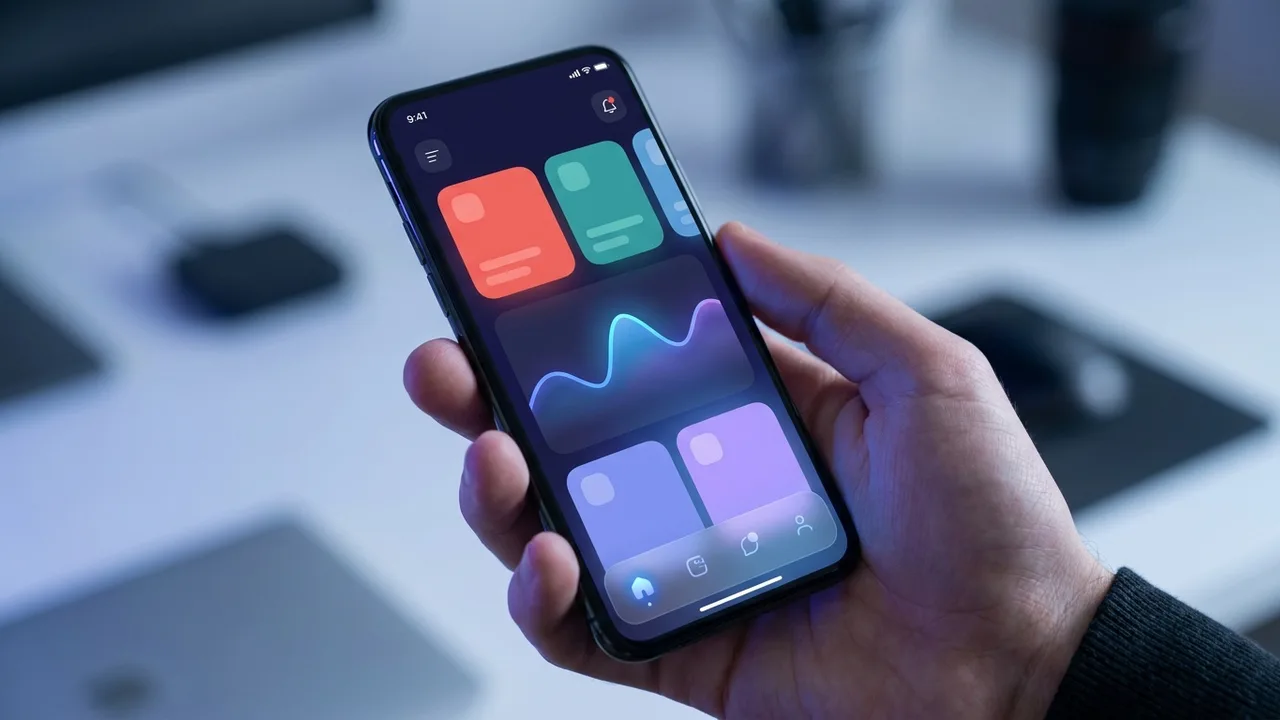
A Product Demo Video Maker Built for Software Teams
Everything you need to show your app at its best, without a screen recorder, a motion designer, or an editing suite.
Web and Mobile UI
Generate clean walkthroughs of desktop dashboards and mobile app screens alike, so your demo matches wherever your product actually lives.
Feature-First Storytelling
Lead with the outcome your users care about and Ambience AI frames each screen around a clear benefit instead of a dry tour of every menu.
AI Narration and Music
Add a generated voiceover and an original soundtrack so your demo guides viewers through each step with a polished, professional feel.
Demo Before You Ship
Generate a convincing product demo from a prompt while your app is still in design, so marketing and fundraising never wait on a finished build.
On-Brand and Consistent
Reuse the same prompt style, palette, and reference frames across every demo so your product always looks like one cohesive brand.
Full Commercial Rights
Every demo you generate comes with full commercial usage rights, ready for your landing page, app store listing, and paid campaigns.
One Prompt for Every Kind of Demo
Every example below was generated with Ambience AI: feature walkthroughs, onboarding demos, product tours, and launch teasers from one place.
Feature Walkthroughs
Show a single feature end to end, from the tap that starts it to the result, so viewers understand exactly what your product does and why it matters.
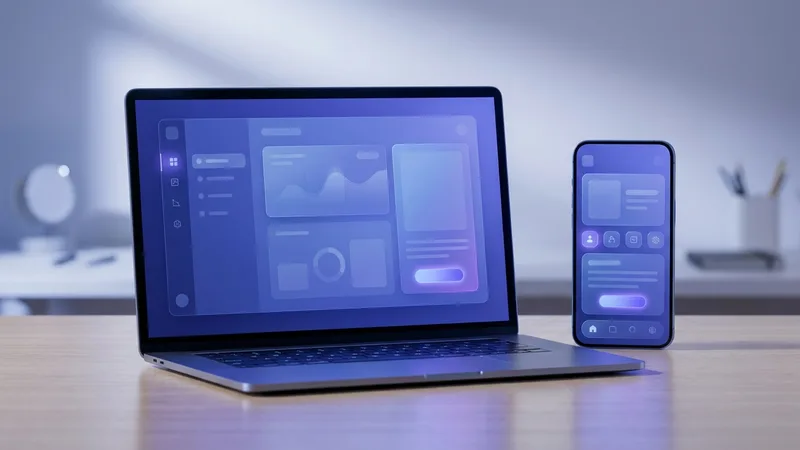
Onboarding Demos
Welcome new users with a friendly walkthrough of first steps, so they reach their first win faster and stick around past day one.
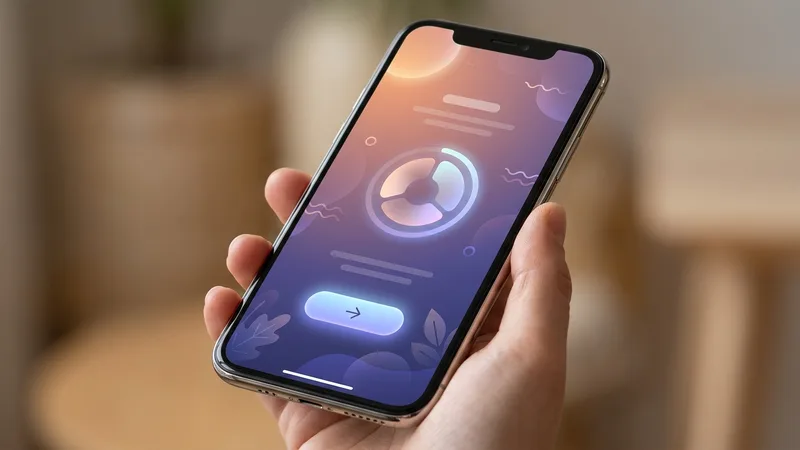
Product Tours
Give the full picture with a guided tour of your dashboard and core screens, perfect for landing pages, sales calls, and investor decks.
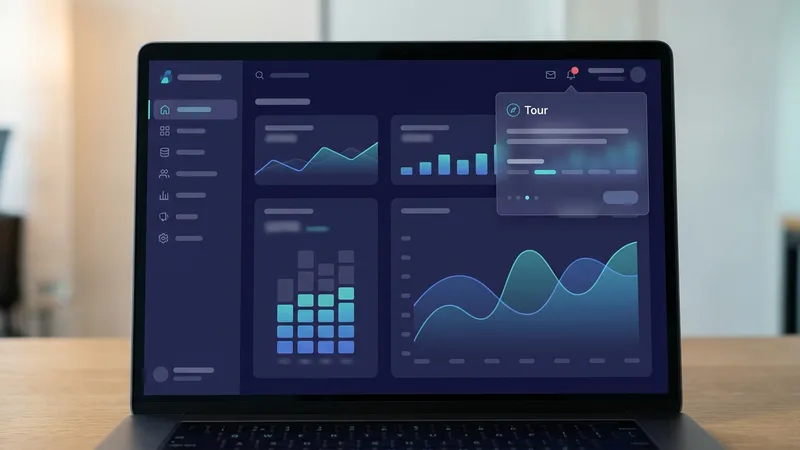
Launch Teasers
Build anticipation for a release with a short, cinematic teaser that reveals just enough of the product to get people signing up for the waitlist.
From Idea to Demo In Minutes
No screen recording, no editing app, no motion designer. Just describe the demo you want and publish it.
Describe Your App and Flow
Tell us the app, the feature, and the steps you want to show, along with the format you are publishing to.
Dial In the Look and Pacing
Not quite right? Adjust your prompt for the interface, mood, or pacing, and generate new versions until the demo fits your brand.
Add Narration and Publish
Layer in an AI voiceover and soundtrack, export the demo, and drop it on your landing page, app store listing, or launch post.
Hear from Founders and Product Teams
Discover how founders and product marketers use our AI to demo their apps long before a video team could turn one around.
“I had a demo on the landing page before the feature even shipped. Describing the flow and generating it beat waiting weeks for a motion designer.”
Nadia S.
Startup Founder
“Our onboarding videos were always out of date. Now I regenerate the demo the same day the UI changes, and it always matches what users actually see.”
Tomas B.
Product Manager
“For our launch we needed teasers in three formats overnight. One prompt, a few variations, and the whole campaign was ready before morning.”
Ren O.
Product Marketer
AI App Demo Video Creator FAQs
Everything you need to know about making app demo videos with AI.
Yes. Describe the app, feature, or flow you want to show and Ambience AI generates a sleek demo video that highlights it. Lead with the outcome your users care about and it aims for a clear, benefit-first opening that keeps viewers watching.
No. You can generate a polished demo from a prompt when your app is still in design, or when you want a clean, on-brand look without capturing and editing raw screen recordings. Describe the interface and flow and Ambience AI creates the visuals.
Use them on your landing page, in app store listings, onboarding emails, investor decks, and social ads. A short demo that shows the product in action converts far better than a wall of feature bullet points.
None at all. There is no timeline to cut and no editing software to learn. Describe the demo you want, choose a format, and generate. It is built for founders, product teams, and marketers who need demos out the door fast.
Absolutely. You get full commercial usage rights for every video you generate, so you can put your demos on your site, in paid ads, and in launch campaigns without any extra licensing.