Automate Creative Production Workflows with AI
Ambience AI gives campaign production the same few steps every launch. Describe a brief once, then generate on-brand image, video, and audio assets from one workspace, with square, vertical, and wide versions of the images and video, so each launch runs faster than the last.
- The same steps from brief to download, every launch
- Square, vertical, and wide versions from one brief
- Free to try: no credit card required
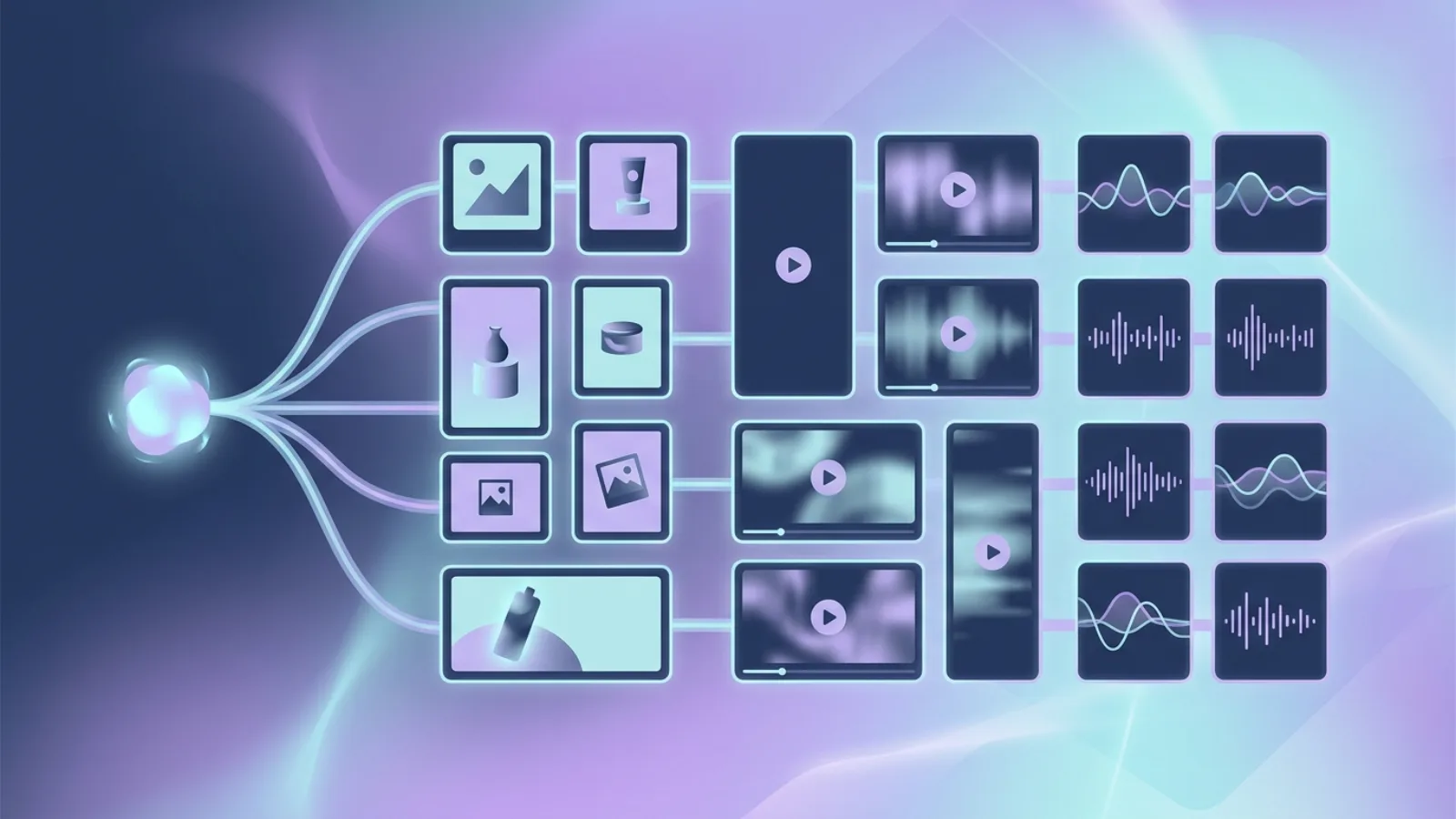
Creative Workflow Automation, End to End
Replace the manual rework behind every launch with the same few steps. Describe the brief, then generate each on-brand asset the campaign needs so your calendar keeps moving.
Brief to Assets
Describe a concept once, then generate each on-brand image, video, and audio asset in the set from it. Regenerate and refine until each one fits the brief.
The Same Steps Every Campaign
Follow the same brief-to-assets steps for every campaign, so your team moves faster each launch without rebuilding the process from scratch.
Repurpose One Concept Across Channels
Generate restyled and re-messaged versions of one master concept in square, vertical, or wide ratios, so a single concept covers your whole campaign.
Shared Project Workspaces
Team and Business plans include shared project workspaces with shared credits and creations, so the whole team briefs, generates, and picks up assets in one place.
One Workspace, No Handoffs
Image, video, and audio production live in one place, so your team stops stitching separate tools together to finish a campaign.
Commercial License on Paid Plans
Premium, Team, and Business plans include a commercial license, so generated assets can go straight into campaigns, owned channels, and client work.
Built for Creative Operations
From a single brief to a full campaign kit, Ambience AI covers the repeatable production a creative team would rather not do by hand.
Campaign Image Production
Generate and adapt one concept into a full set of on-brand image assets for each channel and placement you run.
Social Video Repurposing
Generate vertical, square, and wide video versions of a concept for social and product channels in minutes.
Voiceover and Music from the Same Brief
Produce voiceover and music beds alongside the image and video assets, so the whole set comes from a single brief.
A Version in Each Aspect Ratio
Generate an image or video again in another aspect ratio: 1:1, 16:9, or 9:16 for video, plus 4:3 and 3:4 for images. Each ratio is a new generation from the same prompt.
Every Asset Saved in Your Library
Everything you generate is saved to your library. Filter by image, video, audio, or story and sort by date to find an asset and download it for hand-off.
Reuse a Prompt for the Next Launch
Every image, video, and audio creation shows the prompt that made it, with a copy button. Paste it into a new chat for the next launch, or Remix an image to start a new version from it.
From Brief to Asset Set in Three Steps
Stay in your own process. Go from a brief to a download-ready asset set in minutes, following the same steps each launch.
Describe the Brief
Enter a prompt like "spring product launch, warm editorial style, confident tone" and choose the assets your campaign needs.
Generate the Assets
Pick the format, ratio, and media for each asset, then generate each one from that same brief until the image, video, and audio set is complete.
Repurpose and Ship
Generate restyled versions and other aspect ratios of the images and video, download each asset, and follow the same steps for the next launch.
Ready to Create Amazing Content?
Start free with no credit card required, then upgrade as your asset volume grows. The Team and Business plans add shared seats and higher monthly credits for creative operations and in-house teams producing assets at scale.
Creative Workflow Automation FAQs
Everything you need to know about automating creative production workflows with Ambience AI.
Creative workflow automation is handing the repetitive steps behind campaign production to software instead of building each asset by hand. With Ambience AI, a creative team describes a concept once, then generates and restyles on-brand image, video, and audio assets from one workspace, with square, vertical, and wide versions of the images and video.
The repeatable production behind a campaign: generating a master concept, generating a version in each aspect ratio, producing vertical, square, and wide social video, adding voiceover and music beds, restyling for each channel, and generating localized and seasonal versions of the same concept. The steps are the same every launch, so your team moves from brief to finished set faster each time.
Yes. Ambience AI automates creative production, the work of making and adapting campaign assets. It is not a marketing automation, email, or CRM tool, and it does not run campaigns or manage audiences. Pair it with the platforms you already use to schedule and ship the assets you produce here.
Yes. Start from a single brief and produce assets with the AI image generator, the AI video generator, and audio tools in one workspace, so your team stops stitching separate tools together to finish a campaign.
Yes. Describe your palette, tone, and style in each prompt and apply it across the set, so the pieces of a campaign hold together as you produce and repurpose them.
Premium, Team, and Business plans include a commercial license, so assets can go straight into campaigns, owned channels, and client work. The Free plan does not include one.
No. Ambience AI is built for creative and marketing teams who describe what they need in plain language. It handles the repetitive production so your designers can spend more of their time on art direction and craft.
Start free with 100 credits and no credit card required. The Team and Business plans add shared seats and higher monthly credits for creative operations and in-house teams producing assets at volume. See the pricing page for current tiers.