AI Creative Tools for Performance Marketing
Creative testing runs on a steady supply of new ads. Ambience AI gives performance marketers one workspace to produce ad concepts, image and video variations, and voiceover for every placement you run.
- New concepts and variations for every test round
- Feed, story, and video formats for every placement
- Free to try with no credit card required
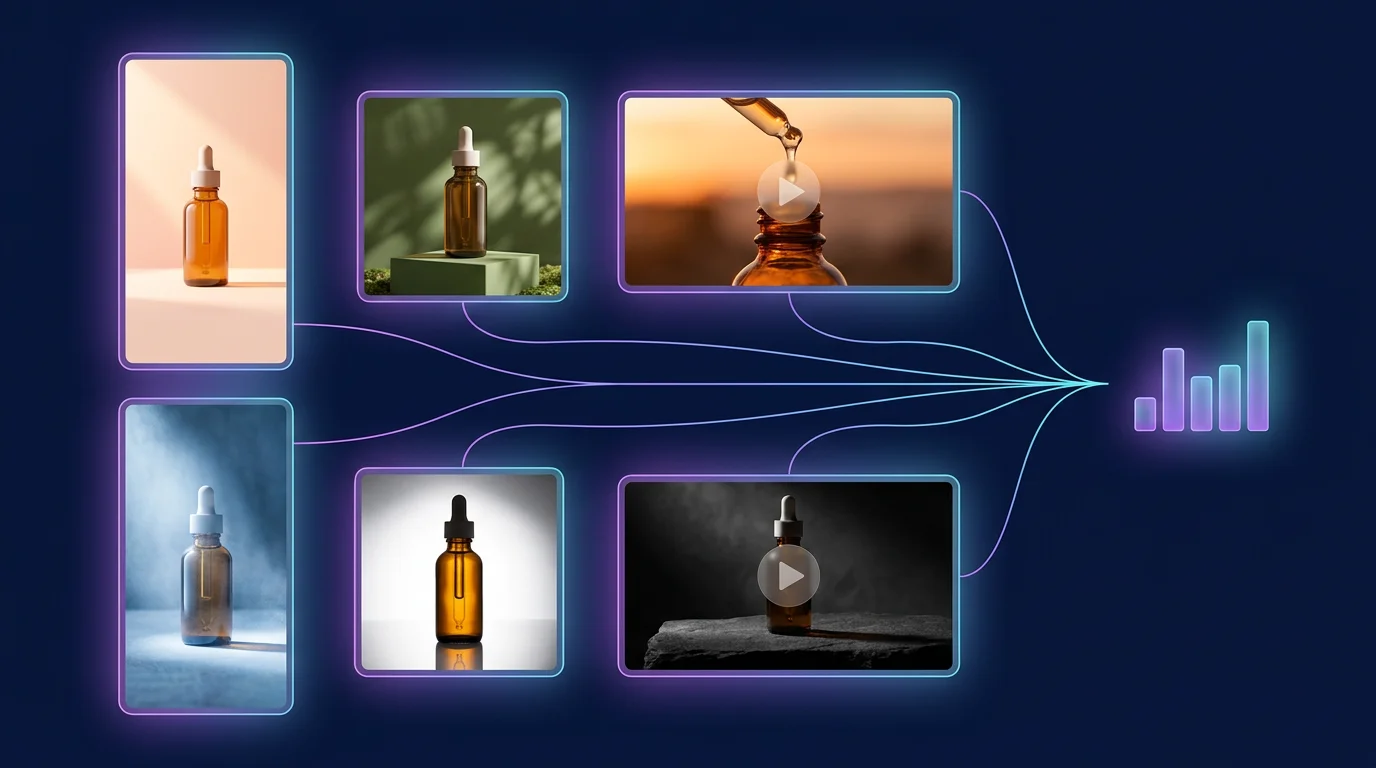
Keep Your Creative Tests Running
Ad fatigue sets in on every winner. Produce the next set of concepts and variations yourself, so a test never waits on a production queue.
Fresh Ad Concepts
Describe the offer, audience, and angle, then generate new concepts to test against your current control.
Controlled Variations
Change one variable per prompt, such as the hook, background, color, or setting, so each result tells you what moved the metric.
Every Placement Size
Generate square, landscape, and portrait versions of a concept for feed, story, reel, and in-stream placements.
Video Ads From a Prompt or Image
Create short video ads from text, or animate a winning static ad you made in Ambience AI to test video against image.
Start From Your Product Photos
On the Premium, Team, and Business plans, upload a product shot and generate new scenes, backgrounds, and settings around it.
Voiceover and Music
Add AI voiceover and music beds to video ads, and try different scripts to compare opening hooks.
Creative for Paid Media Teams
From a first concept to the refresh that beats fatigue, the assets your paid channels ask for come from the same workspace.
Paid Social Ads
Feed and story creative for Meta, TikTok, and LinkedIn campaigns, in the ratios each placement uses.
Short Video Ads
Vertical and landscape clips for reels, shorts, and in-stream video, with voiceover when the ad needs it.
Concept Batches for Testing
A spread of distinct angles for one offer, so your next test can compare whole ideas head to head.
Creative Refreshes
New backgrounds, settings, and openings for a proven concept when frequency climbs and results slip.
One Offer, Four Ad Angles
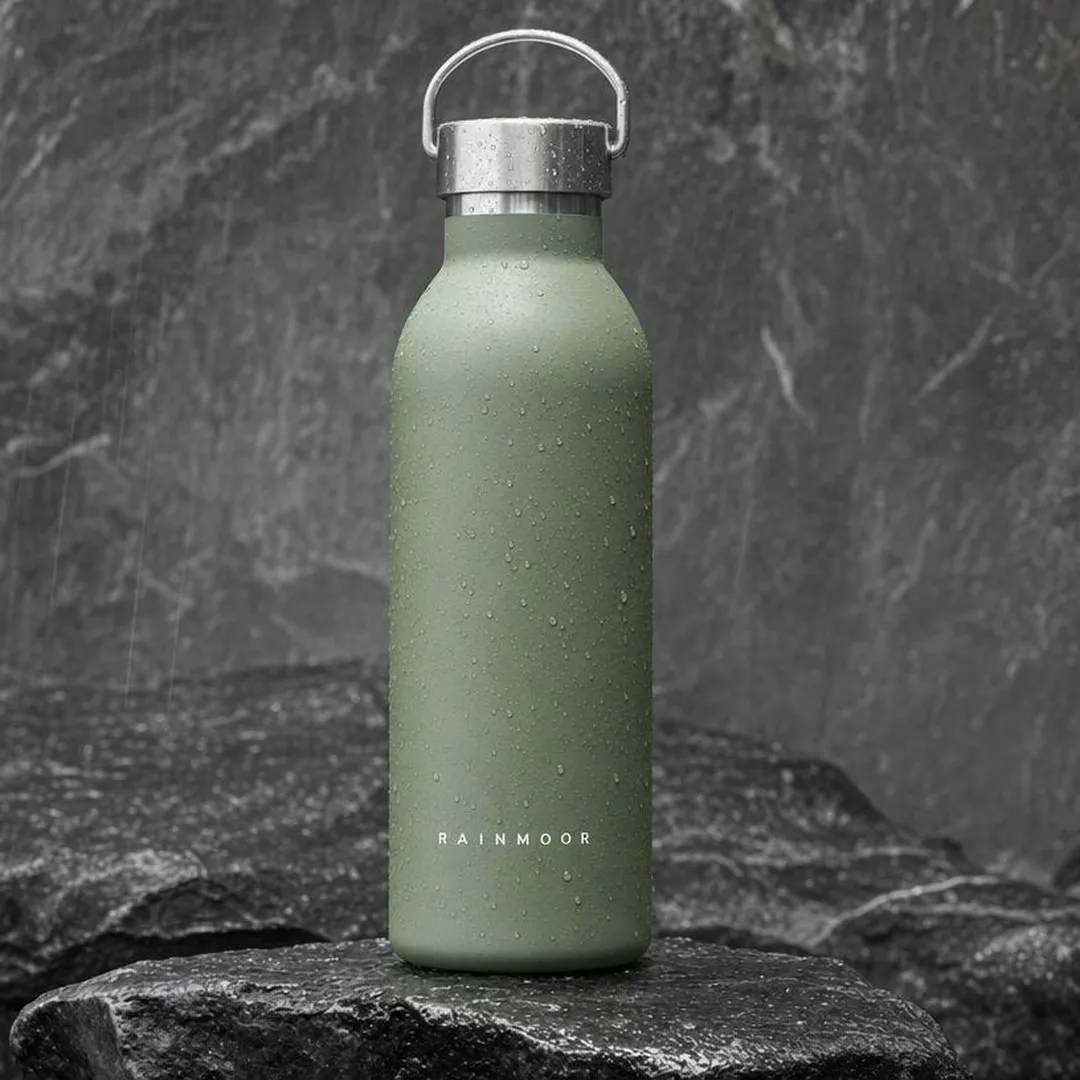
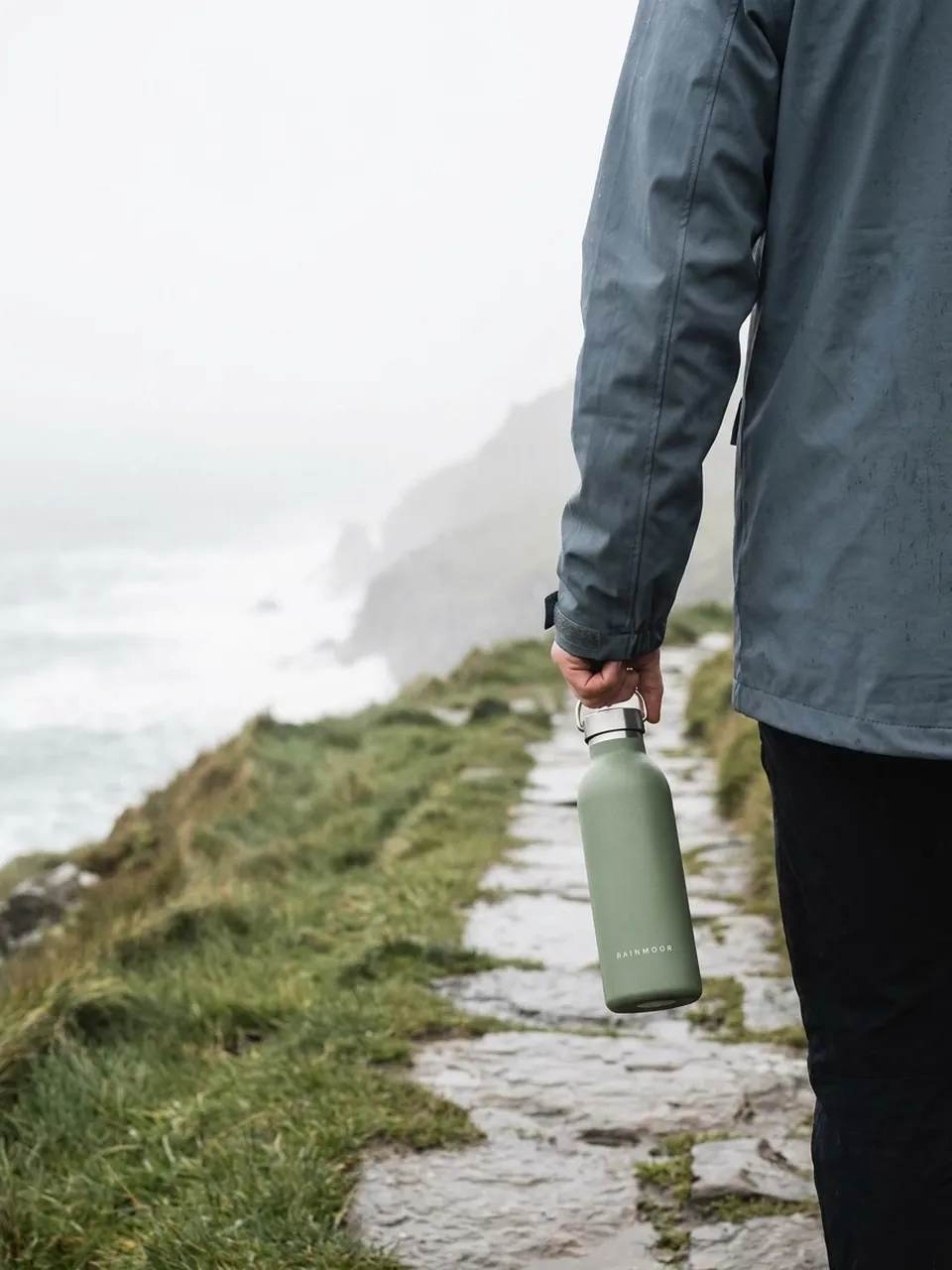
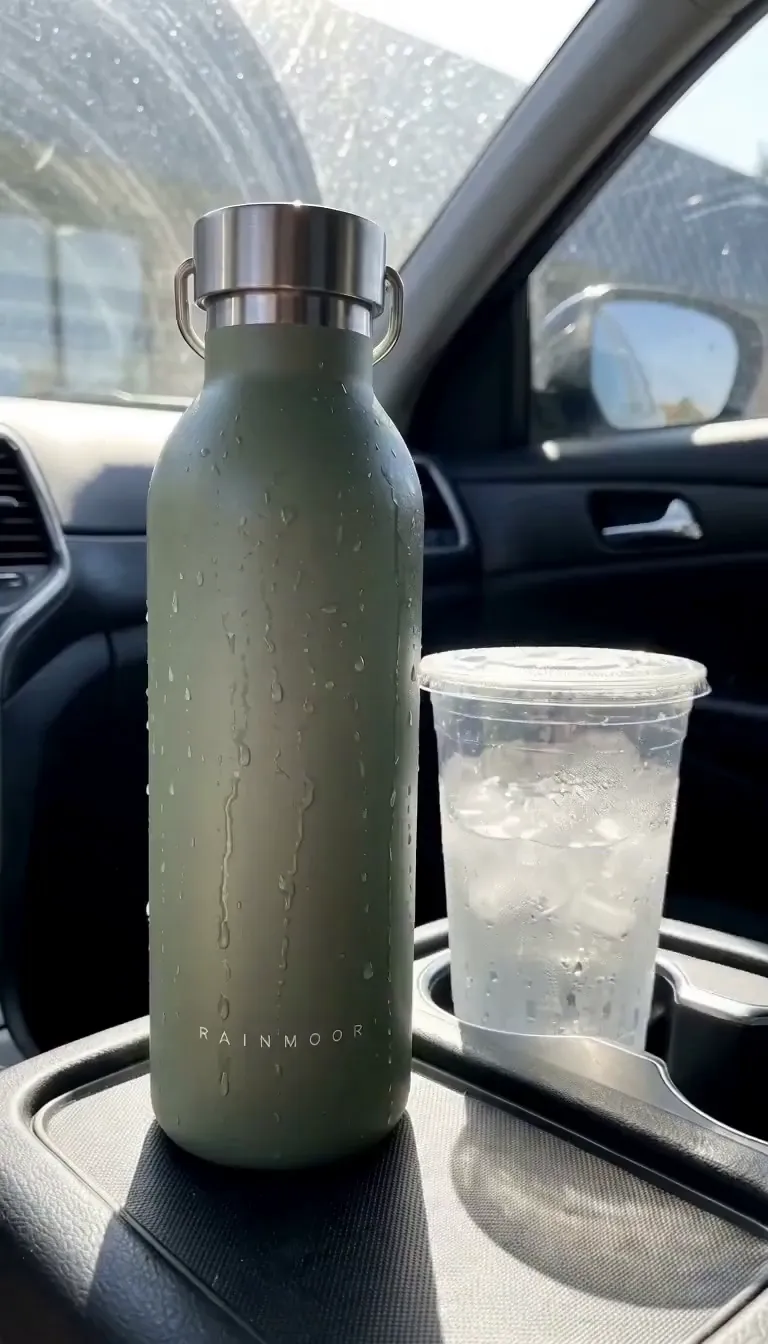
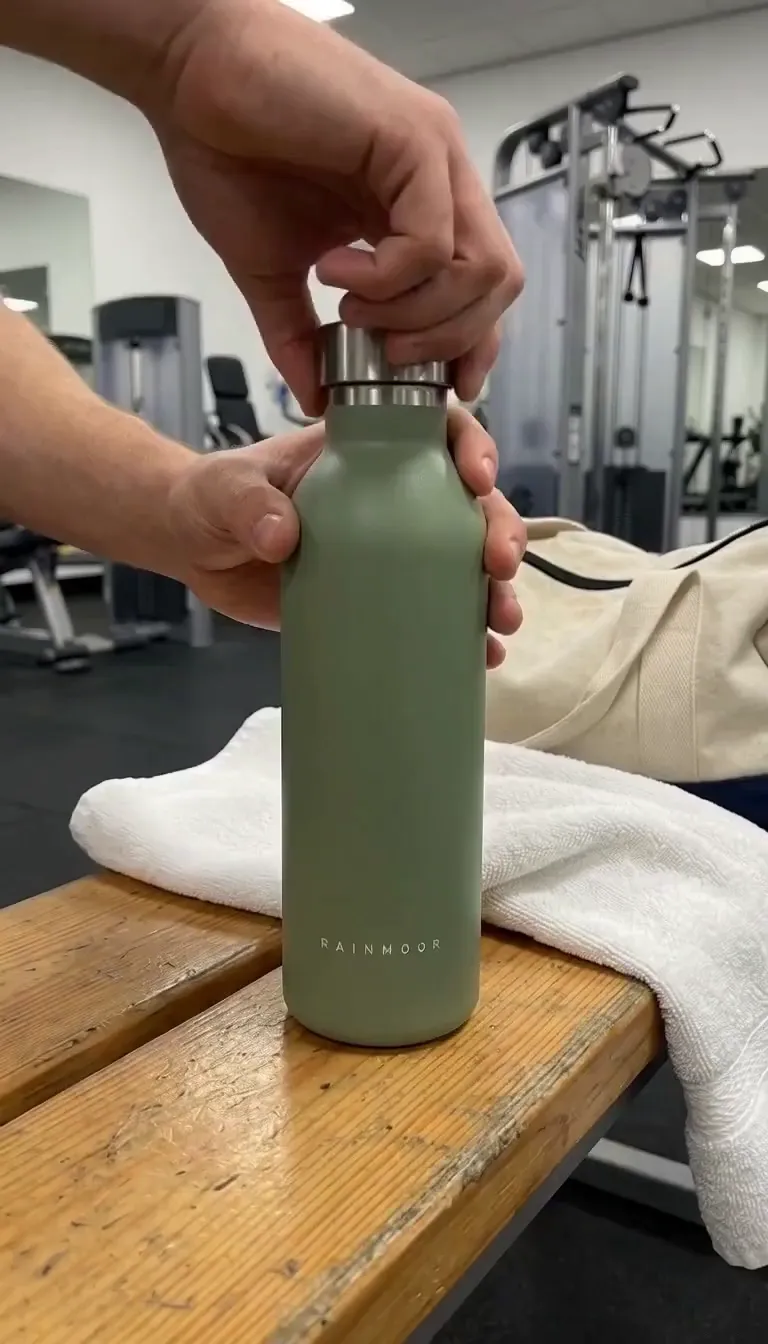
An example campaign for Rainmoor, a fictional drinkware brand, made with Ambience AI. Four ad angles for one bottle to test against each other: product, lifestyle, problem-solution and UGC-style.
From Hypothesis to Test in Three Steps
Start from the idea you want to test and leave with creative ready to upload to your ad platform.
Describe the Concept
Write a prompt like "running shoe on a rain-soaked city street at night, close product shot, bold contrast" and pick the format you need.
Generate Variations
Change the hook, background, or format one prompt at a time to build a clean set of variations for the test.
Download and Launch
Download the set, upload it to your ad platform, and come back for the next round when the results read out.
Ready to Create Amazing Content?
Start free with 100 credits and no credit card required. Paid plans start at $15 a month, and the Team and Business plans add shared seats and higher monthly credits for teams producing ad creative every week.
Performance Marketing Creative FAQs
What performance marketers ask about producing and testing ad creative with Ambience AI.
Performance marketers use AI creative tools to keep paid campaigns supplied with new ads to test. With Ambience AI you can draft fresh ad concepts, produce image and video variations of a winning angle, and add voiceover or music, so your next round of creative tests is ready when the current one reads out.
Creative testing needs volume and controlled differences. Describe one concept, then change a single variable per prompt, such as the hook, the background, the color, or the format, and generate a variation for each. You choose what to test and keep every version in your Library to compare.
Yes. Use the AI ad video creator to generate short video ads from a text prompt, or animate an image you made in Ambience AI into a video. Pair the clip with AI voiceover and music from the AI audio generator to test different hooks and openings.
You can generate square (1:1), landscape (16:9), portrait (9:16), standard (4:3), and portrait (3:4) assets, which cover feed, story, reel, and in-stream video placements on the major ad platforms.
Yes. The Premium, Team, and Business plans let you upload product photos and brand assets, then generate new scenes, backgrounds, and angles around them. That turns one product shot into a set of ad variations to test.
Yes. The Premium, Team, and Business plans include a commercial license, so you can run the images, videos, and audio you generate in paid campaigns.
Start free with 100 credits and no credit card required. Paid plans start at $15 a month. The Team and Business plans add shared seats and higher monthly credits for teams that produce ad creative every week. See the pricing page for current tiers.