MiniMax H3: 2K AI Video of People with Real Sound
MiniMax H3 is now on Ambience AI: 15 second clips at 2K with native sound, lip-synced dialogue, and support for photos of real people as input.
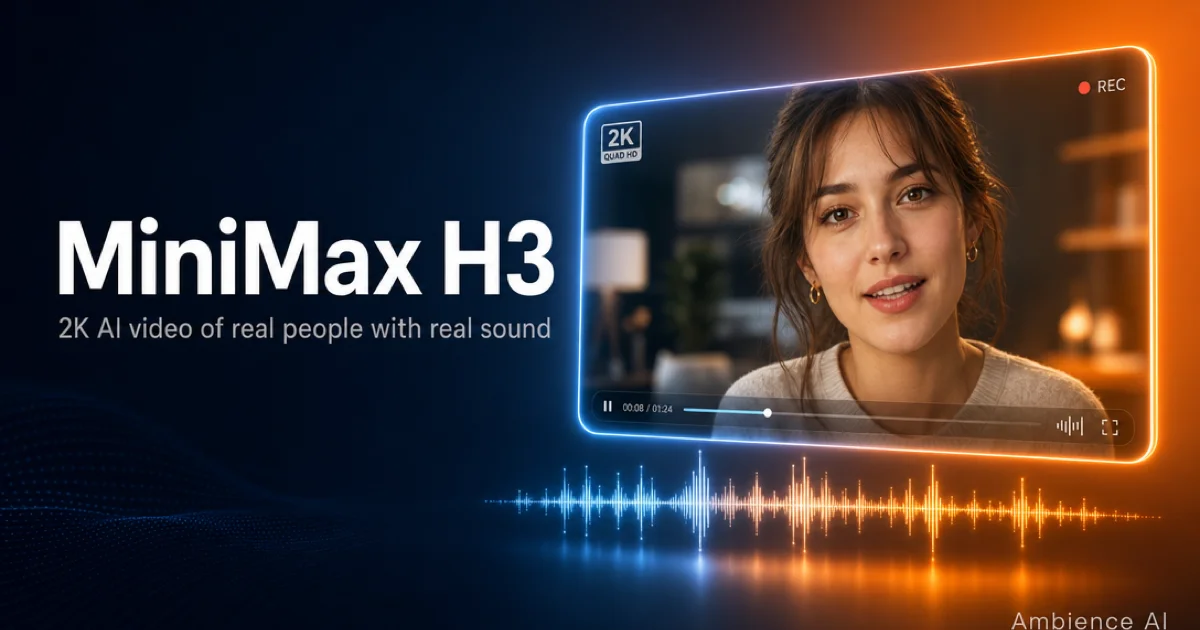
MiniMax H3 is now available on Ambience AI. It generates 15 second clips at 2K with sound baked in, and it will speak a line from a photograph of a real person. If you have ever wanted to put words in someone's mouth and hear them said, in a resolution large enough to crop and reframe, this is the one.
🚀 What's New in MiniMax H3
Start From a Photo
First frame or reference, with the clip speaking
H3 takes a photo as a first frame or as a reference, so it is the model to reach for when the subject is an actual person and the clip needs to speak. WAN 2.1 and Kling 2.1 Pro will animate a photo too, silently and for fewer credits, if all you need is motion. Use your own photos, or photos of people who agreed to appear. Everything you generate stays attached to your account and your library.
2K, 15 Seconds, Sound Included
Our highest resolution video, with dialogue in the same pass
Every H3 clip renders at 2K (2560 by 1440, or 1440 by 2560 vertical) and runs a full 15 seconds. Dialogue, ambience, and effects are generated with the picture, not layered on afterward, so lip movement matches the words.
500 Credits, Flat
The same price for text, image, and reference generations
H3 costs 500 credits per generation no matter how you start it. It is the least expensive way to get a native-audio clip on Ambience AI, in exchange for a longer wait: generations take around ten minutes.
✨ See What MiniMax H3 Can Create
Every clip below was generated with MiniMax H3 on Ambience AI at 2K, then compressed for the web. Turn the sound on: the audio came out of the same generation as the picture.
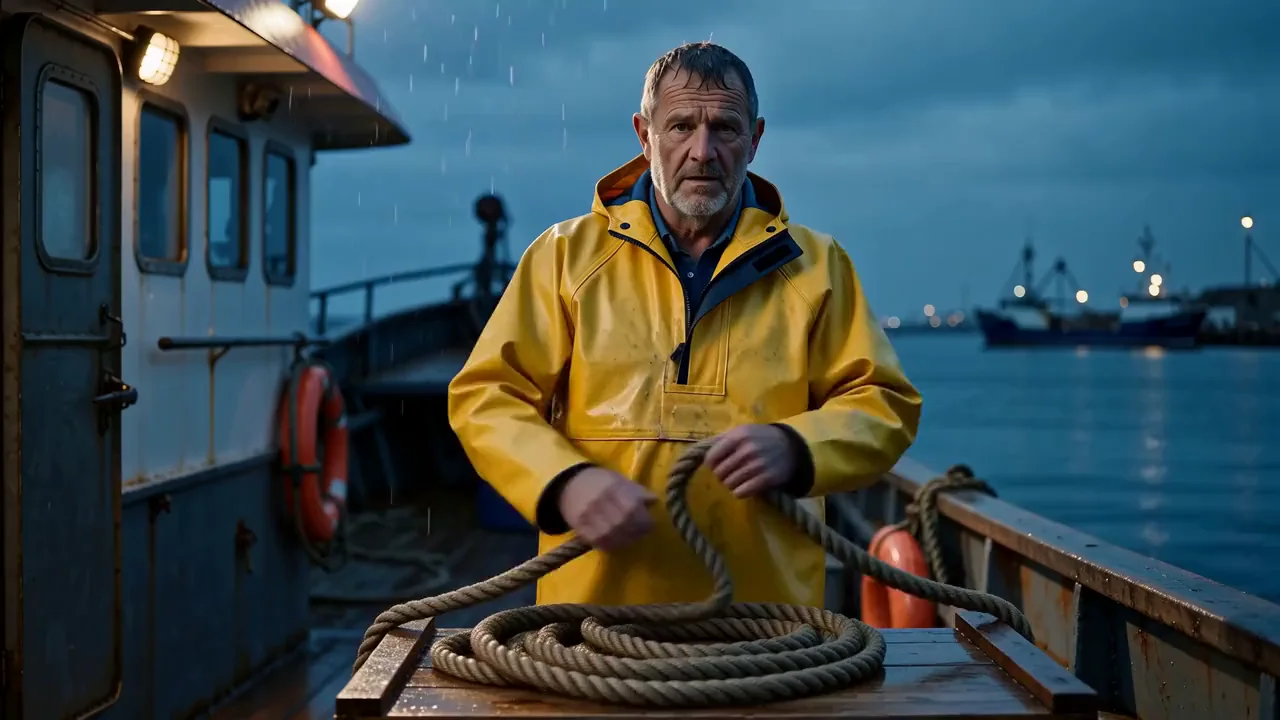
Photoreal people, straight from text. Both quoted lines come back verbatim and lip-synced, with harbor ambience underneath.
Prompt: Shot 1: A weathered fisherman in yellow oilskins, already coiling rope on a dawn-lit trawler deck, medium close-up, locked camera, facing camera. Gravelly warm delivery, realistic lip articulation. He...

A photo in, a talking scene out. The face holds for all 15 seconds because the prompt describes the person who is actually in the photo. The source here is a portrait we generated with Nano Banana 2, not a photo of a real person.
Prompt: A bearded man in a navy blazer over a grey tee, standing in a bright open-plan office, medium close-up, locked camera, facing camera. Warm confident delivery, realistic lip articulation. He unfolds hi...

A reference generation in vertical 2K. One character image carries the look, and the prompt directs the performance.
Prompt: Shot 1: Image 1's character as the subject, a hiker in a red flannel shirt, already walking a lush anime forest trail, phone raised in selfie framing. She says "You have to do this hike." Shot 2: She ...
🎨 How to Use MiniMax H3
MiniMax H3 is in the model selector of our AI Video Generator.
Getting Started
- Open the video generator and pick MiniMax H3.
- Describe the scene, then quote the dialogue you want spoken, in double quotes. Ambience turns that into the shot structure and dialogue tags H3 reads.
- To animate a photo, attach it as the first frame, and describe the person in it accurately. H3 follows your words over your image, so if the prompt disagrees with the photo the video can drift to a different person.
- Generate. Clips take about ten minutes, so start it and go do something else.
Pricing
MiniMax H3 is 500 credits per generation, the same whether you start from text, an image, or reference files, and every generation is 15 seconds at 2K. Reference generations are available on the Team and Business plans. See our pricing page for plan details and credit amounts.
💡 Best Prompts for MiniMax H3
H3 reads three named fields rather than one paragraph, and the fields are where its control lives. Describe your clip in the Ambience chat and it writes them for you; write them yourself when you want the cuts exact. The MiniMax H3 prompting guide covers the full format.
Put every cut on the clock:
Shot 1 carries no timestamp; every shot after it opens with one. In our testing the cuts landed within 0.12 seconds of the mark, while the same brief written as plain prose held a single framing for all 15 seconds.
Keep each line short, and tag what is spoken:
Only what sits inside the tag is spoken, so stage directions never get read aloud. Around twenty words fit comfortably in a clip, about ten to a line; pack in more and the delivery rushes, then slurs. Give every timed shot its own line or action, or the last one runs long and quiet.
Label your references and say what must survive:
A marker of fully_preserved on a face is what keeps it the same face all the way through. The other markers are partially_preserved, attribute_transfer, and weak_reference.
🔍 Technical Specifications
- Clip length: 15 seconds
- Resolution: 2K (2560 by 1440 landscape, 1440 by 2560 vertical)
- Audio: native, generated with the video
- Inputs: text, a first frame image, or reference files
- References: up to 12 files per generation, with a maximum of nine images, three videos, and three audio files, on the Team and Business plans
- Prompt format: named fields (
integrated_multimodal_description,overall_soundscape,non_diegetic_music) with timestamped shots - Generation time: about ten minutes
- Reproducibility: H3 has no seed parameter, so the same prompt gives you a new take every time. Save prompts you like and expect variation
🌟 Why Create with MiniMax H3 on Ambience AI
H3 and Seedance 2.0 both make video that speaks, and they are good at different things. Seedance is faster, around two to three minutes, and renders illustrated and stylized characters beautifully. H3 goes to 2K, costs fewer credits, and takes about ten minutes. Pick by the look you want and the wait you can tolerate.
Both sit in the same model selector as WAN 2.1 and Kling 2.1 Pro, share one credit balance, and land in the same library with their prompts attached. Everything you make is yours to publish.
🔗 More AI Video Tools
- MiniMax H3 Prompting Guide for dialogue pacing, references, and photo inputs
- Seedance Prompting Guide for our other native-audio model
- AI Video Generator to start a clip
- Kling Prompting Guide for cinematic silent video
- Best AI Video Tools in 2026 for how the landscape compares