7 Ways to Showcase Your App with AI Videos
Discover 7 creative ways to showcase your app with AI video, from demos to walkthroughs to ads. Make an AI app video free on Ambience AI, no editing needed.
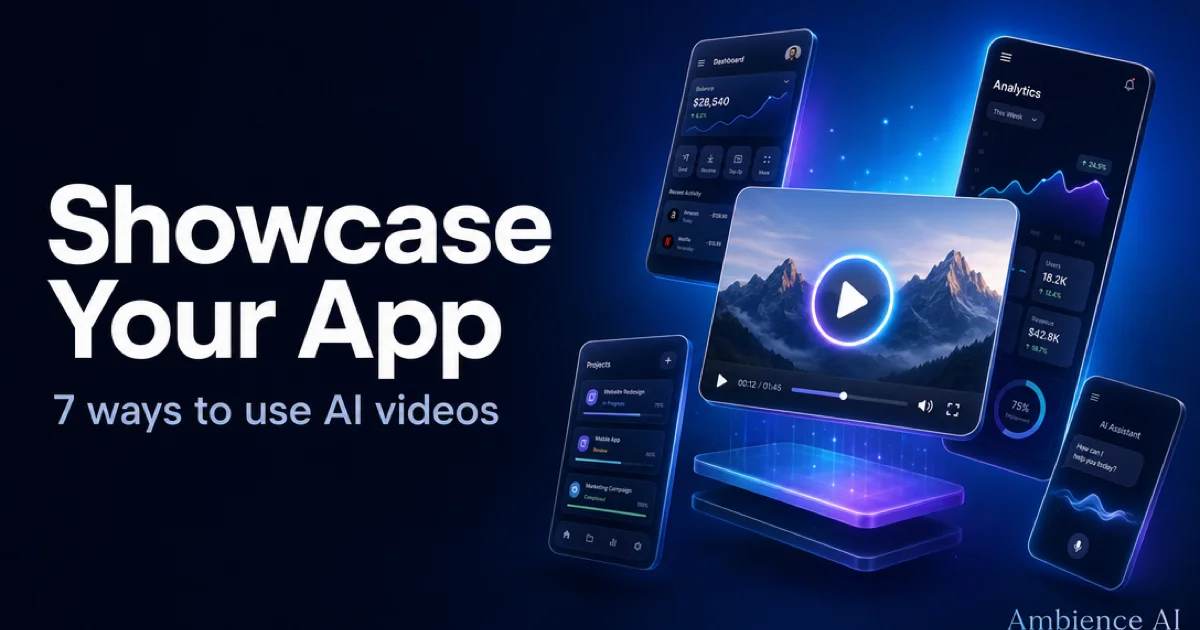
Video is the fastest way to help people understand what your app does and why they should care, yet filming, editing, and re-cutting for every channel eats hours most founders do not have. With AI, you can turn a single idea into a polished app video in minutes, no camera or editing suite required. This guide covers seven creative ways to showcase your app with AI video on Ambience AI, plus prompts and best practices for each.
🎬 Why AI Videos Are Perfect for App Marketing
An AI app video gives you motion, storytelling, and a clear look at your product without a production budget. That matters because people skim, and a few seconds of well-crafted video communicates more than a wall of screenshots. AI makes that motion accessible to every creator, whether you are launching a side project or scaling a funded startup.
Speed
Idea to finished clip in minutes
Skip the shoot and the timeline. Describe the scene you want, and an AI video generator renders it for you. That turnaround lets you ship a demo the same day you build a feature, so your marketing keeps pace with your roadmap.
Low Cost
Studio-quality video without studio budgets
You do not need a videographer, a motion designer, or a voiceover artist to make an app video that looks professional. AI generation removes the biggest costs, so you can produce a full library of clips for the price of a single traditional shoot.
On-Brand Consistency
One look across every clip you make
Reuse the same style, palette, and mood across demos, ads, and announcements. Consistent visuals make a small team look established, and they help creators recognize your app the moment a clip appears in their feed.
🚀 7 Ways to Showcase Your App with AI Videos
Each of these formats highlights a different part of your app's story. Mix and match them across your landing page, app store listing, and social channels to reach people at every stage of their journey.
1. App demo videos
A demo shows your core feature doing its job. Think of an AI video generator as your app demo generator: describe the interaction, the environment, and the mood, then render a clean clip that makes the value obvious in seconds. Start with the AI Video Generator and lead with the single feature people care about most.
Sleek smartphone floating against a soft gradient background, a finance app dashboard glowing on screen, numbers animating upward smoothly, clean modern UI, subtle depth of field, confident and premium mood, slow rotating camera move
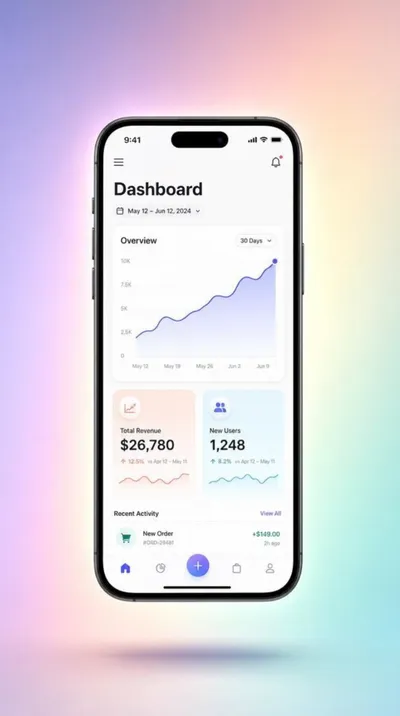
A clean app demo clip that puts your interface front and center.
Prompt: A sleek modern smartphone floating upright against a soft gradient studio background, screen displaying a clean colorful mobile app dashboard interface, gentle floating motion, premium tech product sh...
2. Onboarding and tutorial walkthroughs
A walkthrough guides new creators through setup so they reach their first win faster. Use short, focused clips for each step, then string them together into a story. If you want to animate real screenshots of your interface, our image-to-video guide walks through that workflow in depth.
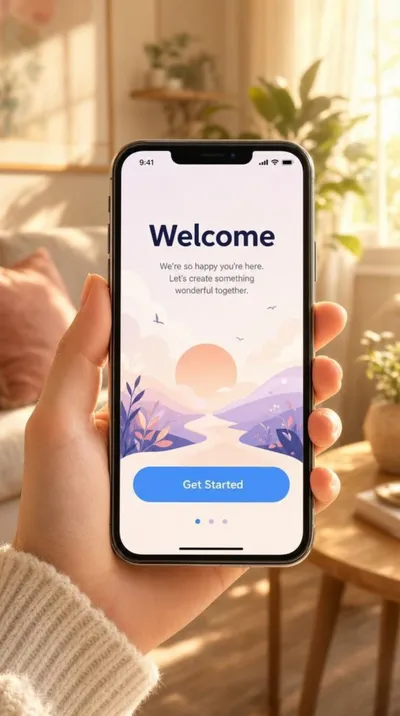
A warm, human onboarding clip that shows the app in real hands.
Prompt: A hand holding a smartphone showing a friendly mobile app onboarding welcome screen, soft natural light, cozy home background with shallow depth of field, warm inviting lifestyle tech aesthetic
3. Feature announcement teasers
When you ship something new, a short teaser builds anticipation before the full release. Keep it to one striking visual and one clear promise, then point viewers to your changelog or landing page. Announcement clips work beautifully as looping backgrounds on a launch page or as the first frame of an email.
4. App store preview videos
Your app store listing is where intent is highest, and a preview video lifts conversion by showing the experience in motion. Design a vertical clip that opens on your strongest screen, holds attention for a few seconds, and ends on your logo or tagline.
Vertical product preview of a fitness app, a runner's stats sliding into view over a sunrise cityscape, energetic pacing, bold typography space at the top, motivating and vibrant mood, smooth upward camera glide
5. Social media ads and short-form promos
Vertical, sound-off, and fast: that is the recipe for scroll-stopping app promos on Reels, TikTok, and Shorts. Generate a few hooks from the same concept, then let the data show you which version earns the most taps. Pair the video with a bold cover frame from the AI Thumbnail Generator so it earns the click.
Colorful flat-lay of a phone showing a food delivery app, fresh ingredients arranging themselves around it, playful bouncing motion, high energy, bright and appetizing, eye-catching for a limited-time promo
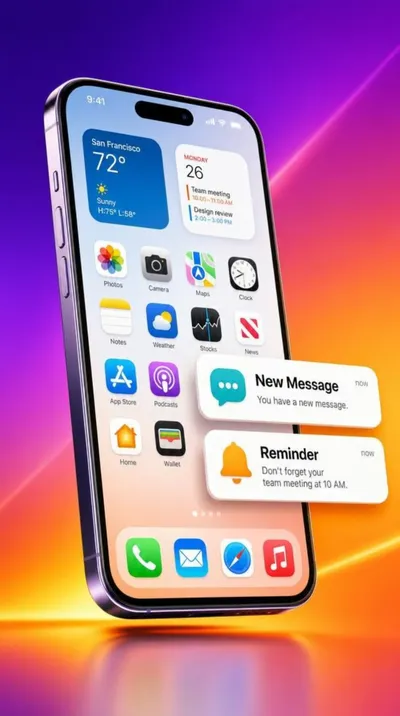
A high-energy vertical promo built for Reels, TikTok, and Shorts.
Prompt: A smartphone displaying a vibrant mobile app interface with colorful notification cards animating and popping up around it, dynamic energetic motion graphics, bold gradient background, modern app adve...
6. Explainer videos
An explainer takes viewers from a problem to your solution in one clear arc. Set the scene with the frustration your app removes, then reveal the calm, simple outcome your product delivers. This format shines on landing pages and in pitch decks where you need to teach and persuade at once.
Split concept scene, a cluttered messy desk transforming into a clean organized workspace, papers flying into neat folders, calm and satisfying mood, soft daylight, smooth morphing transition that suggests order and control
7. Customer story and use-case videos
Nothing sells an app like a real outcome. Turn a short testimonial or a day-in-the-life scenario into a multi-scene story that shows your product in context. The AI Story Video Maker builds these longer narratives scene by scene, and our stories feature post explains how it works.
🛠️ How to Make an App Video with AI
You can create any of the formats above in a few steps. Here is the fastest path from idea to finished clip.
Step 1: Create your account
Create a free account to get started with free credits. New creators can explore image and video generation without a subscription.
Step 2: Pick your format and starting point
Choose which of the seven ways fits your goal, then decide how to begin. Write a prompt in the AI Video Generator for a fresh scene, or create a still in the AI Image Generator and animate it if you want to feature a specific screen or product.
Step 3: Write a prompt that reads on mobile
Describe the subject, the mood, the lighting, and the motion you want. Keep the focal point centered and legible, since most people will watch on a phone with the sound off.
Step 4: Generate, refine, and polish
Render your clip, review the framing, and adjust the prompt until the motion feels right. Layer in music with the AI Audio Generator for a professional finish, then publish to your chosen channel.
✅ Best Practices for App Showcase Videos
Small creative choices make a big difference in how your app video performs.
- Lead with the value: Open on the outcome or the single best feature so people understand the payoff in the first second.
- Design for sound off: Add captions or on-screen text so your message lands even when the audio is muted.
- Match the aspect ratio to the placement: Go vertical for social and app stores, and reserve wider frames for landing pages and demos.
- Keep it short: Aim for under 15 seconds for ads and promos, and save longer edits for walkthroughs, explainers, and customer stories.
- Stay on brand: Reuse the same palette, motion style, and closing frame across clips so your app is instantly recognizable.
- End with one clear action: Tell viewers exactly what to do next, whether that is download the app, start a trial, or learn more.
🌟 Why Create App Videos on Ambience AI
Ambience AI brings image, video, and audio generation together in one creative workspace, so you can build a complete app video without juggling separate apps. You describe what you want, our assistant expands your prompt, and the platform handles the heavy lifting.
That makes Ambience AI a practical way to produce polished app videos for founders, marketers, and indie creators who want professional results on a small budget. You can start free, test formats quickly, and scale up only when you find what works. See the pricing page for full plan details, and browse community creations for inspiration.
🔗 More AI Video Tools
Round out your app marketing workflow with the rest of the Ambience AI toolkit.
- AI Video Generator: Turn text prompts or images into short, scroll-stopping app clips.
- AI Story Video Maker: Build multi-scene walkthroughs and customer stories.
- AI Image Generator: Create screens, product shots, and backgrounds to animate.
- AI Thumbnail Generator: Design bold cover frames that earn the click.
- AI Audio Generator: Add music and sound to give your videos a professional finish.
- Best AI Video Tools Guide: Compare the top AI video tools to plan your content strategy.