Stories Is Now Available: Create AI Story Videos
Introducing Stories on Ambience AI: narrated, multi-scene story videos from a single prompt. Voiceover, captions, and music included. Now on Premium.
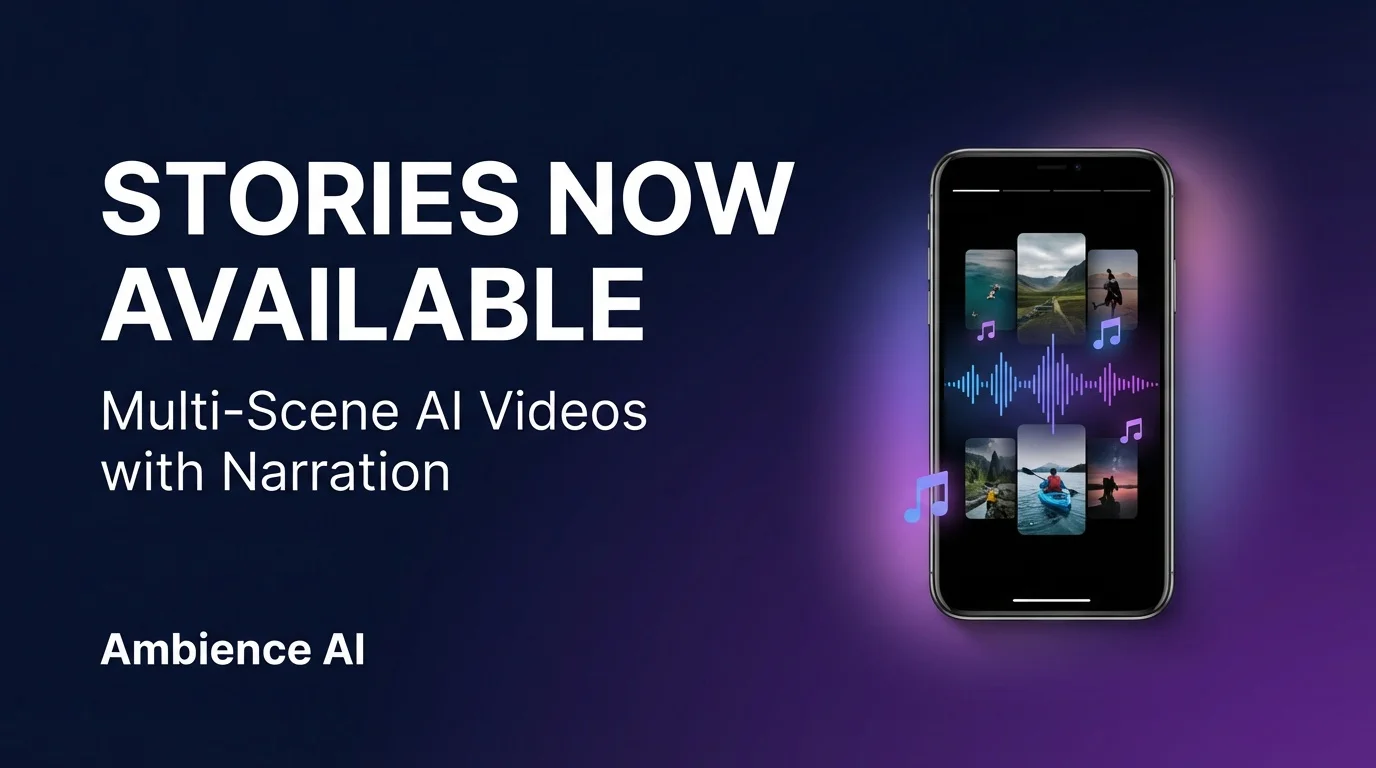
We are thrilled to introduce Stories, a new way to create complete, narrated video content on Ambience AI. With Stories, you describe an idea and the AI builds a multi-scene video with voiceover narration, word-by-word captions, and background music.
Stories is available today for all Premium plan subscribers. View pricing to get started.
What Is a Story Video?
A story video is a short-form video (around 30 seconds) composed of multiple AI-generated scenes. Each scene has its own visual, and the entire video is tied together with:
- Voiceover narration written and recorded by AI
- Word-by-word captions synchronized to the narration
- Background music generated to match the mood of your story
The result is a polished, ready-to-share video that would normally take hours to produce with traditional editing tools.
One Prompt, Complete Video
Everything generated from a single text prompt
Describe your story idea, and the AI handles scene planning, visual generation, narration scripting, voice recording, caption synchronization, and music composition. You get a finished video in minutes.
How Stories Work
1. Describe Your Story
Write a prompt about any topic. For example: "A travel story about exploring Tokyo at night with neon lights and street food." The AI breaks your concept into individual scenes and plans the narrative structure.
2. AI Generates Everything
For each scene, the AI:
- Generates a unique visual
- Writes narration text for that scene
- Records voiceover audio
- Creates word-by-word synchronized captions
- Composes background music that fits the mood
3. Edit on the Timeline
The visual timeline editor lets you fine-tune your story. You can:
- Regenerate a specific scene's visual
- Edit the narration text
- Swap the background music
- Rearrange scenes
4. Export and Share
Download your finished story video and share it on Instagram Reels, TikTok, YouTube Shorts, or anywhere else.
What You Can Create
Stories works for any narrative content. Here are some popular use cases:
- Travel content: Narrated visual journeys through destinations and cultures
- Educational explainers: Break down complex topics into scene-by-scene explanations
- Product showcases: Highlight features with professional narration and visuals
- Social media reels: Create scroll-stopping content with built-in captions
- Personal narratives: Tell your story with AI-generated visuals and voiceover
Pricing
Stories is a premium feature available on our Premium plan starting at $15/month. The Premium plan includes:
- Unlimited story video generations
- Access to all premium AI models
- Priority generation queue
- Commercial usage rights
Get Started
Ready to create your first story video? Visit our AI Story Video Maker page to learn more, or head to pricing to subscribe to Premium.
Explore More AI Tools
- AI Story Video Maker: Full details on the Stories feature
- AI Video Generator: Create single-clip AI videos from text or images
- AI Audio Generator: Generate music and speech with AI
- What Is an AI Product Video?: A guide to making product demos with AI
- Pricing: View all plans and features
Start creating story videos today on Ambience AI.