GPT Image 2 Now Live - AI Image Generator With Crisp Text
OpenAI's GPT Image 2 is now live on Ambience AI with best-in-class text-in-image rendering, photorealistic detail, native editing, and a 60-credit price.
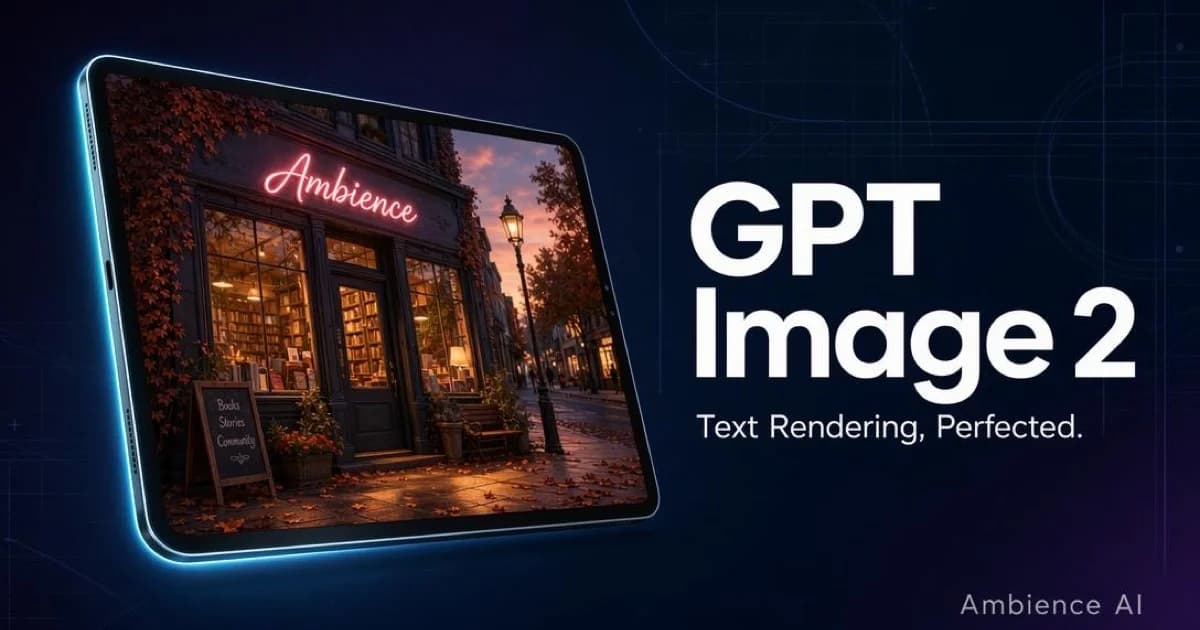
GPT Image 2 is now live on Ambience AI. OpenAI's newest image model replaces GPT Image 1 as our premium text-to-image option, bringing sharper text rendering, richer photorealistic detail, and a lower credit cost.
What's new
GPT Image 2 is a full generation ahead of GPT Image 1. For creators making images that include words, signage, packaging, posters, or UI mockups, this is the model you reach for.
Industry-leading text in image
Signs, labels, posters, and packaging render cleanly
GPT Image 2's text rendering is the best we've tested. Typography stays crisp, spelling stays intact, and complex layouts with multiple text elements hold together.
Sharper photorealistic detail
- Fine textures in skin, fabric, foliage, and materials
- Consistent lighting across complex scenes
- Believable composition for product shots, portraits, and environment art
More affordable
GPT Image 2 now costs 60 credits per image, down from 100 credits for GPT Image 1. Same premium tier, 40% lower price for meaningfully better output.
Same generation window, better results
Generation still takes about 2 to 3 minutes at high quality. The wins are in the output itself: sharper text, more faithful photorealism, and native image editing.
How to use it
GPT Image 2 is available as a model option in our AI Image Generator:
- Sign up or sign in to your account
- Open the image creation interface
- Open the model picker and select GPT Image 2
- Write your prompt and generate
Prompting tips
GPT Image 2 rewards descriptive, natural prompts. A few things that work especially well:
- Spell out the text you want rendered. Use quotes around the exact words.
- Describe the layout (centered, bottom banner, serif, handwritten).
- Set the scene (lighting, atmosphere, camera angle) like you would for Flux.
- Keep prompts medium-length. 30 to 80 words is the sweet spot.
Example prompts
Signage with clean text:
A cozy independent bookstore storefront at dusk, with a warm neon sign reading "AMBIENCE" in flowing script above the doorway. Golden window light, brick facade, autumn leaves on the sidewalk. Shot from across the street, shallow depth of field.
Product shot with a label:
Studio product photograph of a matte black ceramic coffee mug on a pale oak surface. The mug has the word "BREW" printed in a minimalist sans-serif across its front. Soft directional light from the left, subtle shadow, shallow depth of field.
Poster composition:
A retro travel poster for a fictional destination called "Port Cascadia". Large stylized type at the top reading "VISIT PORT CASCADIA" in art deco lettering, below a stylized illustration of a lighthouse at golden hour. Muted ocean blues and sunset oranges.
Explore more
- AI Image Generator: Try GPT Image 2 alongside Flux 2 Pro, Nano Banana Pro, and Flux 1.1 Pro
- AI Thumbnail Generator: Make eye-catching thumbnails with crisp titles
- AI Video Generator: Bring your images to life as motion
Start creating with GPT Image 2 today on Ambience AI.